

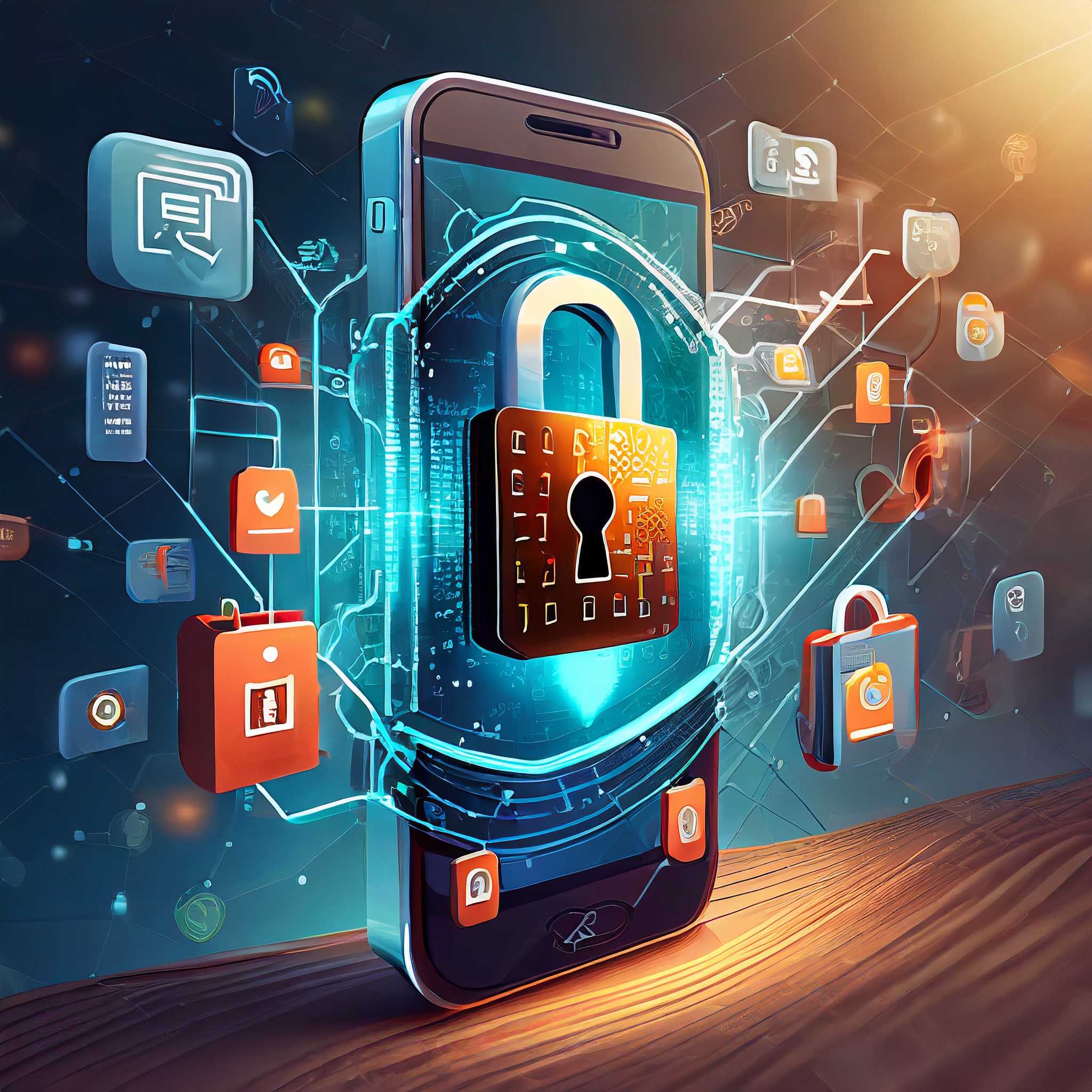
In today’s connected world, mobile devices play a central role in our daily lives. From staying in touch with loved ones to managing work tasks, these devices are a treasure trove of personal and professional information. However, this also makes them an attractive target for cybercriminals. Protecting your device with strong mobile device security measures is essential to ensure your data remains safe.
Why Is Mobile Device Security Important?
Your mobile device is more than just a phone or tablet; it’s a gateway to sensitive information like emails, financial records, photos, and even business documents. A single security lapse can result in identity theft, financial losses, or unauthorized access to critical systems. With the growing number of cyber threats, investing in mobile device security is no longer optional—it’s a necessity.
Common Threats to Mobile Device Security
Mobile devices face a variety of security threats, including:
- Malware and Viruses: These malicious programs can infect your device through insecure apps, phishing links, or unprotected networks.
- Phishing Scams: Cybercriminals often send fake emails or messages designed to trick users into revealing sensitive information like passwords or credit card numbers. Read about how to identify phishing scams.
- Device Theft: Losing your mobile device or having it stolen can expose all the personal and professional data stored on it. Find out how to secure your data in case of theft with these mobile security tips.
- Unsecured Public Wi-Fi: Hackers often exploit public Wi-Fi networks to intercept data, putting your private information at risk.
- Outdated Software: Using old or unpatched operating systems and applications can leave your device vulnerable to attacks.
Best Practices for Securing Your Mobile Device
To protect your mobile device, follow these practical steps:
- Set a Strong Password or Use Biometric Authentication Ensure your device is protected with a unique PIN, password, or biometric feature like facial recognition or fingerprint scanning. Avoid easily guessable passwords, such as birthdays or simple numeric patterns.
- Enable Two-Factor Authentication (2FA) Add an additional layer of security to your accounts by enabling 2FA. Even if your password is compromised, this feature makes unauthorized access much more difficult. Read about 2FA and its benefits.
- Keep Your Software Updated Regular updates fix security vulnerabilities and improve overall performance. Always update your device’s operating system and apps as soon as updates become available.
- Download Apps Only from Trusted Sources Stick to official app stores like Google Play or the Apple App Store. Review the app’s permissions and user feedback before downloading to ensure it is safe. Here’s a guide on identifying secure apps.
- Use a VPN on Public Wi-Fi A Virtual Private Network (VPN) encrypts your internet traffic, making it difficult for hackers to intercept your data. This is especially important when using public Wi-Fi networks. Learn how to choose a reliable VPN.
- Install Mobile Security Software Use trusted security apps that provide real-time malware detection, anti-theft features, and device tracking.
- Back Up Your Data Regular backups ensure you can restore your important files if your device is lost, stolen, or compromised. Use cloud services or secure external drives for backups.
- Stay Alert to Phishing Scams Be cautious of unsolicited messages or emails requesting sensitive information. Verify the sender’s identity before clicking on links or downloading attachments. Learn how to recognize phishing red flags.
Emerging Trends in Mobile Device Security
As mobile technology advances, so do the methods used by cybercriminals. To counter these threats, the industry is adopting innovative security measures. Artificial intelligence (AI) and machine learning are now used to detect and mitigate threats in real-time. Biometric authentication, including advanced facial recognition, provides more secure ways to access devices. Additionally, blockchain technology is emerging as a robust solution for safeguarding data integrity.
Conclusion
Mobile devices are integral to modern life, making their security more important than ever. By implementing these best practices, you can minimize risks and protect your personal and professional data from cyber threats. Stay proactive and informed to ensure your mobile device remains a safe and reliable tool in your daily life.
