Cyber threats are everywhere in today’s digital world, and phishing attacks are among the most common and harmful. These scams can trick people into sharing sensitive information, like passwords or financial details. That’s why it’s so important to have strong phishing prevention measures in place. At Cyber Snowden, we’re here to help you stay safe online by sharing practical advice and offering phishing prevention training.
What Are Phishing Attacks?
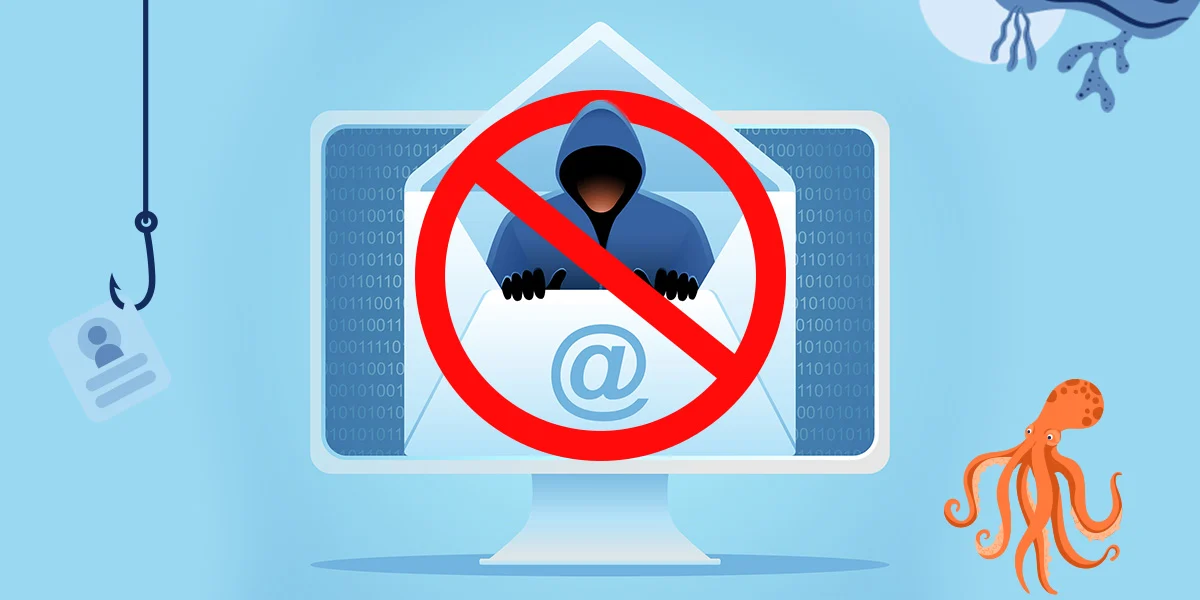
Phishing attacks are sneaky attempts by cybercriminals to trick people into sharing private information. These attacks often involve fake emails, messages, or websites that look like they’re from trusted sources but aren’t. The goal? To steal your personal or financial data.
Common Types of Phishing Attacks
- Email Phishing: Fake emails that look like they’re from a trusted company.
- Spear Phishing: Personalized attacks targeting specific individuals or organizations.
- Whaling: Attacks aimed at high-level executives.
- Smishing and Vishing: Phishing via text messages (SMS) or phone calls.
- Clone Phishing: Copycat emails that mimic legitimate ones, but with harmful links or attachments.
Why Phishing Prevention Matters
Phishing attacks can cause significant problems, including financial loss, data breaches, and even damage to your reputation. Here’s why it’s crucial to prevent these attacks:
- Protect Your Money: Phishing scams can empty your bank account or rack up charges on your credit cards.
- Keep Data Safe: Protecting your private information keeps you and your business secure.
- Follow the Rules: Many industries have strict data protection laws, and a phishing breach could lead to fines.
- Avoid Business Disruption: A phishing attack can halt your operations, costing you time and money.
- Maintain Trust: Keeping clients and stakeholders safe from cyber threats builds confidence in your brand.
To see how phishing can affect businesses, visit Cybersecurity and Infrastructure Security Agency.
How to Prevent Phishing Attacks
Here are some practical steps you can take to protect yourself and your organization:
- Enable Multi-Factor Authentication (MFA) MFA adds an extra layer of security by requiring more than just a password to access accounts.
- Use Email Security Tools Set up email filters to block suspicious messages before they reach your inbox.
- Keep Software Updated Regular updates ensure your systems are protected against known vulnerabilities.
- Be Cautious with Links and Attachments Always double-check email links and attachments before clicking or downloading.
- Educate Yourself and Your Team Awareness is key. Phishing prevention training can teach you how to recognize and avoid threats.
Why Phishing Prevention Training Is Essential
Training is one of the best ways to stay ahead of phishing attacks. At Cyber Snowden, we’re passionate about helping people learn how to protect themselves. Here’s what phishing prevention training covers:
- Spotting Fake Messages Learn how to identify red flags like generic greetings, urgent language, and suspicious links.
- Reporting Attacks Quick reporting can help your organization respond to threats before they cause harm.
- Simulated Phishing Tests Practice makes perfect. These tests help you recognize and avoid phishing scams.
- Building a Security-First Mindset When everyone on your team takes cybersecurity seriously, it’s easier to stay safe.
- Real-World Examples Case studies show the real impact of phishing attacks, making the lessons stick.
Creating a Phishing-Resistant Culture
To truly protect yourself or your organization, you need more than just tools. You need a culture of security. Here’s how to build one:
- Set Clear Rules Create policies for safe online behavior and data handling.
- Invest in the Right Tools Use firewalls, antivirus software, and other security tools to stay protected.
- Review Your Security Regularly Regular audits can help you spot weaknesses and fix them.
- Encourage Open Communication Make it easy for employees to report suspicious activity without fear of blame.
- Work with Experts Partner with cybersecurity specialists like Cyber Snowden to stay ahead of evolving threats.
Staying Ahead of Phishing Scams
Cybercriminals are always coming up with new tricks, so staying vigilant is essential. By focusing on phishing prevention and making training a priority, you can reduce your risk and keep your information safe.
At Cyber Snowden, we’re here to help. Visit Cyber Snowden to learn more about our phishing prevention training and other services. Together, we can make the digital world a safer place.
For the latest cybersecurity news, follow the National Cyber Security Center.
Final Thoughts
Phishing attacks are a serious threat, but you don’t have to face them alone. With the right strategies and training, you can protect yourself and your organization from harm. Start today by focusing on phishing prevention and empowering your team with the knowledge they need to stay safe.
Remember, Cyber Snowden is always here to support your cybersecurity journey. Let’s work together to create a secure online environment for everyone.