

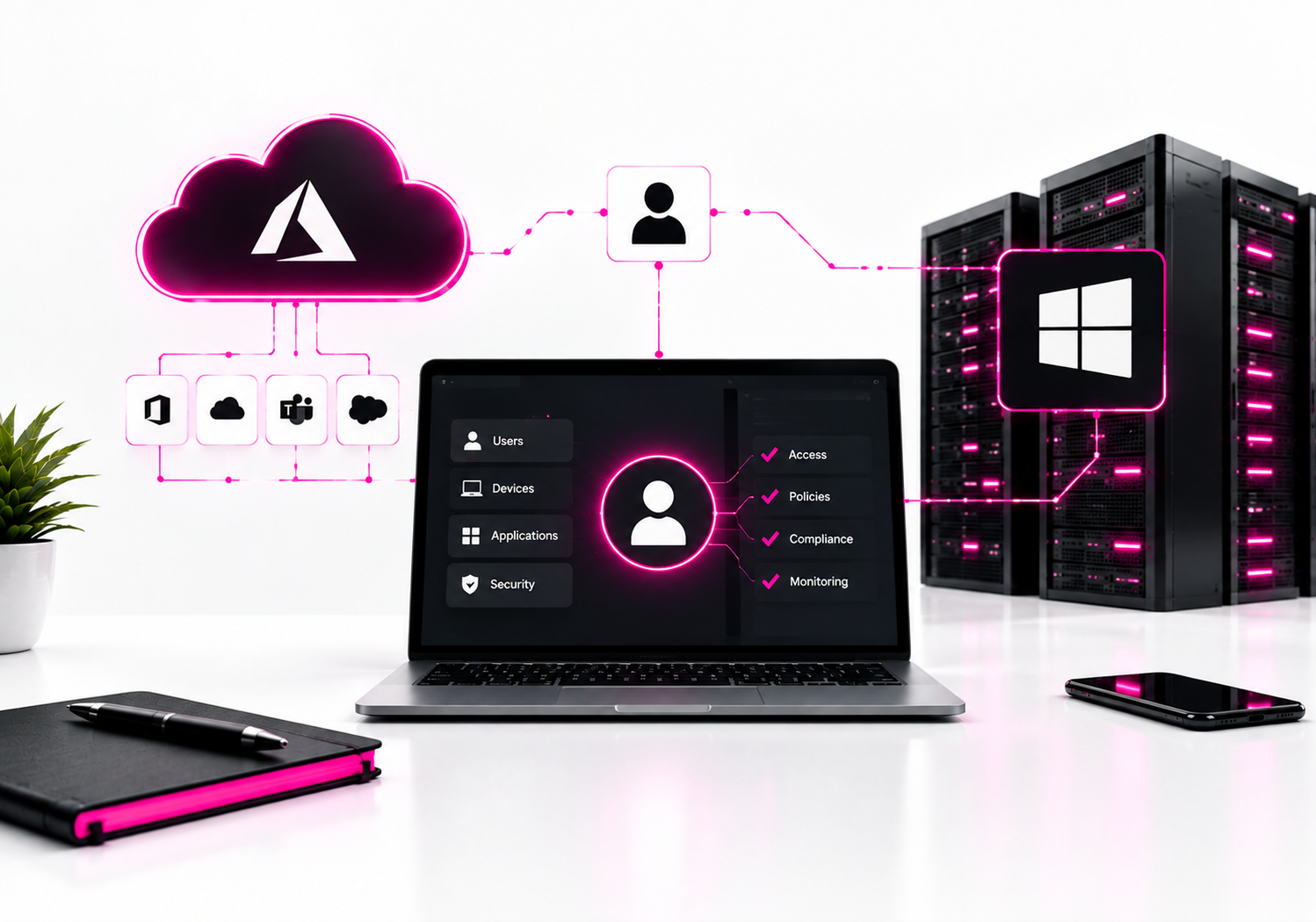
Cloud IAM is generally the better foundation for cloud-first organizations, while traditional Active Directory remains essential for many Windows-centric environments, legacy applications, and on-premises infrastructure. The strongest approach for hybrid organizations is often integration rather than immediate replacement: use cloud identity for modern applications and access policies while retaining AD where Kerberos, LDAP, Group Policy, or domain-dependent workloads still require it.
The difference is architectural, not simply a matter of where the directory is hosted. Traditional Active Directory Domain Services (AD DS) was designed around domains, domain controllers, computers, Group Policy, LDAP, Kerberos, and Windows network environments. Cloud IAM platforms are designed around internet-accessible applications, identity federation, APIs, device context, MFA, conditional access, and granular authorization.
Microsoft’s own comparison makes this distinction clear: AD DS provides capabilities such as computer management, Group Policy, LDAP, and trusts, while Microsoft Entra ID is a cloud identity service designed for applications, SaaS, devices, and modern authentication.
What is the difference between Cloud IAM and traditional Active Directory?
Traditional Active Directory primarily manages identities and resources inside Windows-based enterprise environments, while Cloud IAM manages access to cloud applications, services, APIs, and distributed resources. They can coexist, but their security models and operational assumptions are different.
| Area | Cloud IAM | Traditional AD |
|---|---|---|
| Primary environment | Cloud, SaaS, remote users | On-premises Windows networks |
| Authentication | Modern protocols, MFA, federation | Kerberos, NTLM, LDAP, passwords |
| Device access | Cloud registration and compliance | Domain join + Group Policy |
| Administration | Cloud console and APIs | Domain controllers and Windows tools |
Microsoft Entra ID is a useful example of Cloud IAM. Microsoft describes it as a cloud-based identity and access management service providing authentication, policy enforcement, and protection for users, devices, applications, and resources.
Traditional AD DS performs a different role. It remains a directory service and authentication system for Windows environments, with domain controllers authenticating users and computers and providing centralized management.
Why is Cloud IAM better for cloud applications?
Cloud IAM is better suited to cloud applications because it can authenticate users and enforce access policies without requiring those users to be connected to a corporate Windows domain.
A SaaS application might need to authenticate an employee working from a home laptop in another country. Requiring that employee to first connect to a corporate network simply to establish identity adds unnecessary infrastructure.
Cloud IAM instead allows the application to rely on an identity provider using modern authentication and federation protocols.
Microsoft Entra ID, for example, supports application integration, identity provisioning, device registration, Conditional Access, managed identities, and monitoring through a cloud control plane.
That model fits environments where applications live in Microsoft 365, AWS, Google Cloud, Salesforce, GitHub, and other SaaS platforms.
Why does traditional Active Directory still matter?
Traditional Active Directory remains valuable when applications and infrastructure depend on Windows-specific identity services. Replacing it simply because an organization is adopting cloud services can create unnecessary migration problems.
AD DS provides capabilities that cloud IAM does not simply reproduce one-for-one.
Common examples include:
- Kerberos authentication
- NTLM authentication
- LDAP
- Group Policy
- Domain joining
- Organizational Units
- Domain and forest trusts
- Windows computer objects
- Traditional Windows server authentication
Microsoft specifically recommends managed domain services when applications still require protocols such as Kerberos or NTLM and cannot easily be changed to use modern authentication.
That is why a manufacturing application, legacy ERP system, or Windows-based file server may continue to depend on AD even after the organization moves much of its infrastructure to the cloud.
Is Cloud IAM more secure than Active Directory?
Cloud IAM can provide a stronger security model for modern distributed environments, but it is not automatically more secure simply because it is cloud-based. Security depends on authentication controls, privilege management, device security, configuration, monitoring, and application architecture.
Cloud IAM makes several modern controls easier to apply.
These include:
- Multifactor authentication
- Passwordless authentication
- Conditional access
- Device compliance checks
- Risk-based authentication
- Just-in-time administrative access
- Application federation
- Centralized identity logs
- Automated provisioning and deprovisioning
Microsoft Entra ID, for example, supports MFA and passwordless technologies such as FIDO2, while Privileged Identity Management can provide time-restricted or workflow-based privileged access.
Traditional AD can also be hardened substantially, but organizations often have more infrastructure to maintain: domain controllers, DNS, replication, Group Policy, privileged accounts, service accounts, and supporting network infrastructure.
The security advantage of Cloud IAM comes largely from modern access control and identity-centric architecture, not merely from removing a physical server.
How does Cloud IAM fit into Zero Trust?
Cloud IAM fits naturally into Zero Trust because identity becomes a primary decision point instead of assuming that access is safe because a user is inside the corporate network.
NIST SP 800-207 states that Zero Trust removes implicit trust based on network location and focuses on protecting users, devices, assets, services, and resources. Authentication and authorization are performed before access to enterprise resources is established.
That changes the question from:
“Is this user connected to our internal network?”
to:
“Who is requesting access, from which device, to what resource, and under what conditions?”
Cloud IAM platforms are well positioned for this model because they can combine identity with device state, application context, authentication strength, and access policy.
NIST’s cloud-native Zero Trust guidance also describes a shift toward identity-tier policies for users, services, and applications across on-premises and multi-cloud environments.
Can Cloud IAM completely replace Active Directory?
Not always. Cloud IAM can replace many AD-dependent functions for modern applications and devices, but legacy workloads may still require AD DS-compatible services.
Consider an organization with:
- Microsoft 365
- Windows 11 laptops
- Azure workloads
- SaaS applications
- A legacy ERP application
- Windows file servers
- Several older applications using LDAP
Moving the modern applications to Cloud IAM is relatively straightforward conceptually. The legacy applications are the difficult part.
Microsoft Entra Domain Services exists specifically for scenarios where applications need traditional domain capabilities such as LDAP, domain join, Group Policy, and Kerberos/NTLM authentication without the organization deploying its own domain controllers in Azure.
So the real migration question is not “Can we eliminate Active Directory?”
It is:
“Which workloads still require AD-specific capabilities?”
Cloud IAM vs Active Directory: which is easier to manage?
Cloud IAM generally requires less infrastructure maintenance, while traditional AD gives administrators deeper control over the underlying directory environment.
With self-managed AD, administrators remain responsible for domain controllers and their operating environment. That includes patching, backups, replication health, DNS, domain security, privileged access, and disaster recovery.
Microsoft explicitly notes that self-managed AD DS requires organizations to maintain the associated infrastructure, whereas Microsoft Entra Domain Services is managed by Microsoft.
Cloud IAM shifts much of that infrastructure responsibility to the provider.
That does not mean “no administration.” Identity administrators still need to manage:
- Roles
- Conditional Access
- MFA
- Application permissions
- Privileged identities
- Federation
- Lifecycle automation
- Logging
- Recovery
- Access reviews
The difference is that you’re managing identity policy instead of maintaining domain-controller infrastructure.
Which has better support for remote workers?
Cloud IAM is usually the better choice for remote and distributed workforces.
Traditional AD was designed around environments where computers and users regularly interacted with corporate network infrastructure. Modern employees may instead work from personal networks, home offices, coworking spaces, airports, or mobile devices.
Cloud identity allows authentication to occur through internet-accessible identity services rather than depending entirely on network location.
Microsoft Entra joined devices, for example, can authenticate users directly to cloud identity services and work with device-management platforms such as Intune. Microsoft documents OAuth/OpenID Connect-based authentication for Entra-joined devices and contrasts this with the Kerberos/NTLM model used by Domain Services.
This is one of the clearest practical advantages of Cloud IAM.
Which is better for Windows device management?
Traditional AD is stronger when you need deep legacy Windows management through Group Policy; Cloud IAM paired with MDM is generally better for modern, distributed endpoint management.
A traditional environment might use:
AD DS → Group Policy → domain-joined Windows devices
A modern cloud environment might use:
Cloud IAM → Conditional Access → MDM → device compliance
Microsoft Entra ID can work with Intune to evaluate device state and restrict access to resources based on whether a device meets organizational requirements.
That gives security teams a more direct connection between identity and device posture.
The choice becomes less binary when an organization operates both models.
What about a hybrid Cloud IAM and Active Directory environment?
Hybrid identity is often the most practical architecture for established organizations. AD can remain authoritative for workloads that need it while Cloud IAM becomes the access layer for cloud applications and modern devices.
Microsoft supports directory synchronization between on-premises Active Directory and Microsoft Entra ID through Microsoft Entra Connect and related synchronization capabilities.
A simplified architecture looks like:
AD DS → identity synchronization → Cloud IAM → SaaS / cloud applications
This allows employees to use a consistent identity while the organization gradually modernizes applications.
However, synchronization also creates dependencies. If AD remains an important identity source, compromising the on-premises identity environment can have consequences for cloud access.
That means hybrid identity should be treated as a security architecture, not simply a convenience feature.
How should you migrate from Active Directory to Cloud IAM?
Start by discovering dependencies rather than immediately moving users. The safest migration separates users, applications, devices, and infrastructure instead of treating “the directory” as one workload.
1. Inventory authentication dependencies
Create a list of applications using:
- Kerberos
- NTLM
- LDAP
- SAML
- OAuth
- OpenID Connect
- Local accounts
- Service accounts
This quickly identifies which systems can move to modern identity and which require remediation.
2. Find privileged accounts
Identify:
- Domain administrators
- Enterprise administrators
- Cloud administrators
- Service accounts
- Application administrators
- Emergency or break-glass accounts
Reduce privileges before migration rather than copying excessive permissions into the cloud.
3. Enable strong authentication
Deploy MFA and, where practical, phishing-resistant authentication such as FIDO2 security keys or passkeys.
Do not make password-only authentication the permanent bridge between old and new identity systems.
4. Migrate applications individually
Start with applications that already support modern federation.
For example:
Application → Cloud IAM → MFA → Conditional Access
Leave applications requiring LDAP or Kerberos until you have a specific modernization or managed-domain strategy.
5. Review access after migration
Do not assume successful migration means correct access.
Check:
- Who has access?
- Why do they have it?
- Is access still required?
- Is privilege appropriate?
- Is MFA enforced?
- Is the device trusted or compliant?
- Are administrative actions logged?
This approach aligns closely with NIST Zero Trust principles, which call for granular access decisions and least privilege rather than broad implicit trust.
When should you keep traditional Active Directory?
Keep AD when critical applications genuinely depend on AD-specific protocols or Windows domain functionality. There is little value in replacing a stable system merely to meet a cloud-modernization target.
Keep or retain AD when you have significant dependencies on:
- Kerberos
- LDAP
- NTLM
- Group Policy
- Domain-joined servers
- Legacy Windows applications
- Existing domain/forest trusts
- AD-integrated infrastructure
The better strategy is to identify those dependencies and reduce them over time.
Microsoft’s current guidance describes an “AD minimization” journey in which organizations can move from an attached hybrid model toward greater use of cloud-native identity capabilities as users, applications, and devices become ready.
Cloud IAM vs traditional Active Directory: which should you choose?
For a cloud-first organization with SaaS applications and remote users, choose Cloud IAM as the primary identity layer.
For a Windows-heavy organization with legacy applications, keep AD where those dependencies remain.
For a hybrid organization, combine both and create a deliberate migration plan.
| Environment | Recommended approach |
|---|---|
| Cloud-first / SaaS-heavy | Cloud IAM |
| Windows + legacy applications | AD + Cloud IAM |
| Modernizing enterprise | Hybrid, then gradual AD reduction |
The biggest mistake is treating Cloud IAM as simply “Active Directory in the cloud.” It is not. Microsoft explicitly distinguishes Entra ID from AD DS, including their authentication models, device capabilities, application integrations, and administrative structures.
FAQ: Cloud IAM vs traditional Active Directory
Is Cloud IAM better than Active Directory?
Cloud IAM is generally better for cloud applications, remote workers, SaaS, modern authentication, and identity-centric Zero Trust controls. Traditional Active Directory remains better for workloads requiring Kerberos, LDAP, NTLM, Group Policy, and Windows domain functionality. Many enterprises therefore use both while gradually reducing legacy dependencies.
Can Cloud IAM replace Active Directory?
Cloud IAM can replace many identity functions, but it cannot automatically replace every AD DS capability. Applications that depend on LDAP, Kerberos, NTLM, domain join, or Group Policy may still require AD DS or a compatible managed-domain service. Microsoft Entra Domain Services is designed for some of these legacy cloud scenarios.
Is Microsoft Entra ID the same as Active Directory?
No. Microsoft Entra ID is a cloud-based identity and access management service, while Active Directory Domain Services is a traditional Windows directory service. Entra ID focuses on cloud applications, modern authentication, device identity, and access policies; AD DS provides domain services including LDAP, Kerberos, NTLM, Group Policy, and computer management.
Is Active Directory still relevant?
Yes. Active Directory remains relevant wherever organizations operate Windows infrastructure and applications that depend on traditional directory protocols and domain functionality. Its role is changing as organizations adopt cloud identity, but replacing it should be based on actual application and infrastructure dependencies rather than assuming every workload can immediately use modern cloud authentication.
Is Cloud IAM part of Zero Trust?
Cloud IAM can be a major component of Zero Trust, but Cloud IAM alone does not constitute a Zero Trust architecture. NIST describes Zero Trust as an approach that removes implicit trust based on network location and requires authentication and authorization for resource access. Identity, device posture, policy enforcement, monitoring, and least privilege all contribute to the architecture.
Related reading: identity federation vs identity brokering. Browse all our cybersecurity comparisons.
Final Verdict
Cloud IAM is the better strategic direction for modern, distributed organizations, but traditional Active Directory is not obsolete. The strongest architecture is the one that removes unnecessary dependence on AD while preserving it where legacy applications genuinely need AD-specific services.
If you’re planning a migration, start with an application and authentication-dependency inventory. Identify every system using Kerberos, LDAP, NTLM, Group Policy, or domain membership, then move modern applications to Cloud IAM first. That gives you a measurable path toward reducing AD rather than attempting a risky all-at-once replacement.
