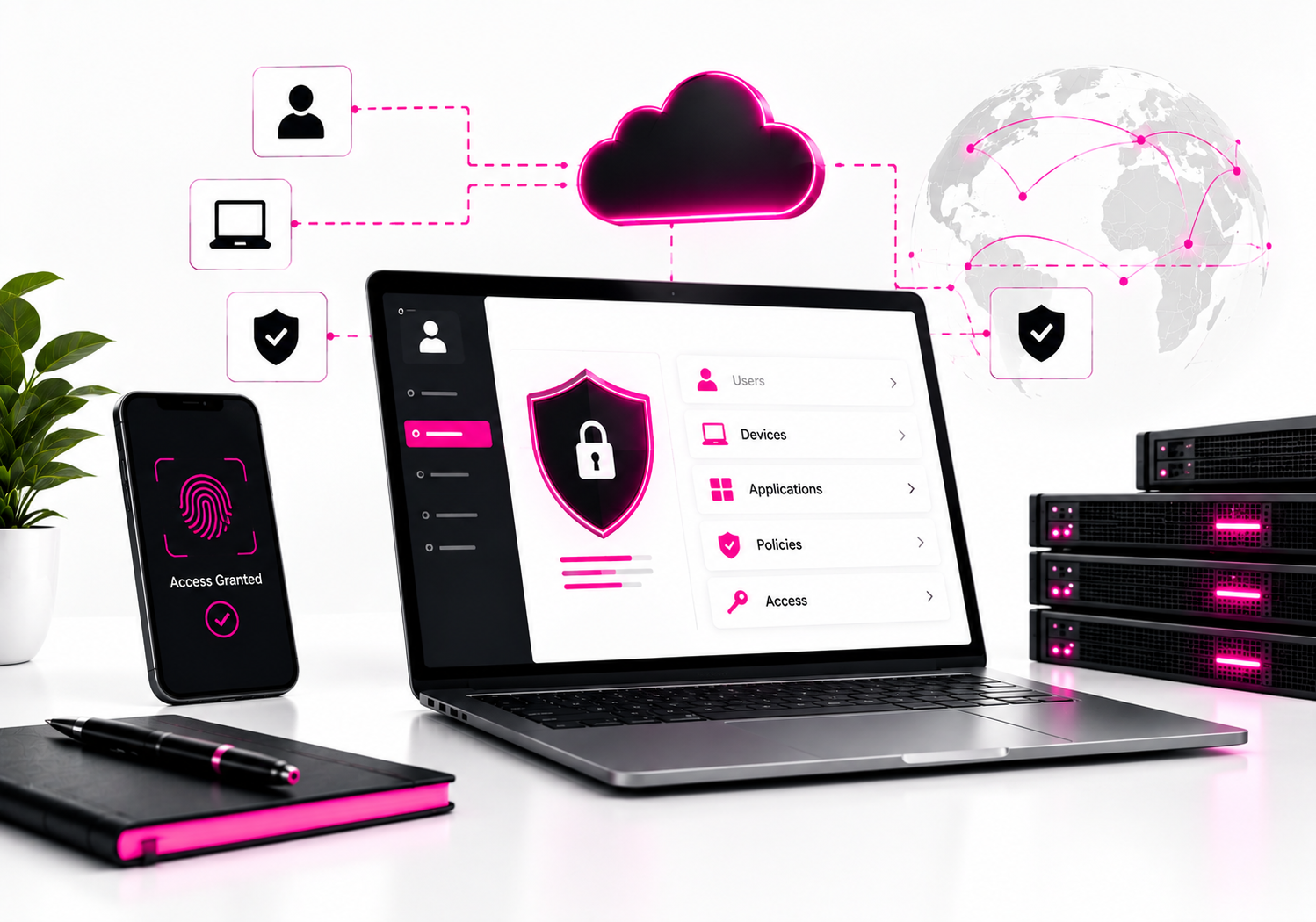
Cloud SIEM is usually the better choice for organizations that need rapid deployment, elastic log storage, remote monitoring, and less infrastructure management. On-prem SIEM remains valuable when data residency, offline operation, legacy systems, or direct infrastructure control are priorities. For many organizations, a hybrid model provides the strongest balance between cloud flexibility and on-premises control.
The real question in a Cloud SIEM vs on-prem SIEM comparison is not simply which platform is more secure. Both can provide centralized log collection, correlation, alerting, investigation, and security monitoring. The bigger differences are where the SIEM runs, who operates the infrastructure, how data is stored, how costs scale, and how easily it connects to cloud services.
NIST recommends treating logs as a core part of cybersecurity operations because log management supports incident investigation, operational troubleshooting, and security monitoring. CISA likewise recommends centralized logging across servers, endpoints, network devices, and cloud services.
What is the difference between Cloud SIEM and on-prem SIEM?
The primary difference is deployment responsibility: a Cloud SIEM is hosted and operated as a cloud service, while an on-prem SIEM runs on infrastructure controlled by the organization. That difference affects scalability, maintenance, data control, connectivity, and cost.
| Area | Cloud SIEM | On-Prem SIEM |
|---|---|---|
| Infrastructure | Provider-managed | Organization-managed |
| Scaling | Usually easier | Requires capacity planning |
| Maintenance | Mostly provider responsibility | Internal responsibility |
| Data control | Shared responsibility | Greater direct control |
Cloud SIEM platforms such as Microsoft Sentinel and cloud-hosted SIEM offerings from major vendors can collect security telemetry without requiring the customer to build the entire SIEM infrastructure.
On-premises platforms require servers, storage, networking, operating systems, upgrades, backups, monitoring, and capacity planning. That gives security teams more direct control, but also creates more operational work.
NIST’s log-management guidance covers the complete lifecycle of logs, including generation, transmission, storage, access, and disposal. The deployment model changes how those responsibilities are implemented, but it does not remove them.
Is Cloud SIEM more secure than on-prem SIEM?
Neither deployment model is automatically more secure. Security depends on architecture, configuration, identity controls, network protection, log integrity, access management, and how effectively the security team operates the SIEM.
A Cloud SIEM can reduce some infrastructure risks because the organization does not have to maintain the SIEM’s underlying servers and storage itself. However, cloud deployments introduce their own responsibilities around identity, permissions, API access, data residency, connectivity, and provider configuration.
On-premises SIEM gives an organization greater direct control over the underlying environment. That can be useful for highly regulated environments, but poorly maintained SIEM infrastructure can become a security liability.
CISA recommends centralized logging, protected log storage, secure transmission, and controls that prevent unauthorized modification or deletion of logs.
The practical lesson is simple: a well-designed Cloud SIEM can be more secure than a poorly maintained on-prem SIEM, and vice versa.
Why is Cloud SIEM better for many organizations?
Cloud SIEM is particularly strong when an organization already operates heavily in AWS, Azure, Google Cloud, SaaS applications, remote endpoints, and distributed networks.
Cloud infrastructure produces enormous amounts of telemetry from identity systems, applications, containers, endpoints, APIs, and cloud workloads. A cloud-native SIEM can often integrate directly with these sources.
Microsoft Sentinel, for example, provides data connectors for Microsoft services and security products, including Microsoft Entra ID Protection, Microsoft Defender products, Microsoft 365 services, and Azure Activity.
Cloud deployment also makes geographic access easier. Security analysts can investigate alerts without needing direct access to an internal SIEM network.
That matters for organizations with:
- Remote SOC analysts
- Distributed offices
- Cloud applications
- Multiple cloud providers
- SaaS-heavy environments
- Rapidly changing infrastructure
- Small infrastructure teams
The biggest advantage is often not the SIEM itself. It is reducing the amount of infrastructure the security team has to operate before it can start investigating threats.
What are the disadvantages of Cloud SIEM?
Cloud SIEM’s biggest disadvantages are ongoing consumption costs, dependency on connectivity and the provider, and less direct control over the underlying infrastructure.
Cloud SIEM pricing can also become complicated because security telemetry can grow quickly.
Microsoft Sentinel, for example, uses data-ingestion-based pricing models and offers different pricing approaches for analytics and data-lake tiers. Its documentation also points out that additional Azure infrastructure can generate separate costs.
This creates a common mistake: sending every available log to the SIEM without first deciding which data actually supports detection and investigation.
A better approach is to classify telemetry:
- Critical security logs
- Authentication and identity events
- Endpoint security events
- Network security events
- Application security events
- Compliance and audit records
- Low-value operational telemetry
Then determine what needs real-time analytics, what can have longer-term retention, and what does not need to enter the SIEM at all.
Why would an organization choose an on-prem SIEM?
On-prem SIEM makes the most sense when an organization needs direct infrastructure control, has significant legacy systems, faces strict data-location requirements, or operates environments where cloud connectivity is limited.
Manufacturing environments, isolated networks, government systems, financial institutions, research environments, and organizations with specialized infrastructure may have legitimate reasons to keep security monitoring close to the systems generating the logs.
An on-prem SIEM can also provide predictable control over:
- Hardware
- Storage
- Network paths
- Data location
- Retention architecture
- Internal integrations
- Administrative access
That control can be valuable, but it comes with a price.
Your team becomes responsible for the infrastructure supporting the SIEM. Hardware failures, storage expansion, operating-system updates, database performance, backups, certificates, network capacity, and disaster recovery all become operational concerns.
Splunk, for example, supports both cloud and self-managed deployment models for its security platform, demonstrating that deployment choice remains relevant even among large enterprise SIEM products.
Which SIEM is easier to scale?
Cloud SIEM is generally easier to scale because storage and processing capacity can be expanded without purchasing and installing additional physical infrastructure.
This is one of the clearest advantages of cloud deployment.
Consider a company that suddenly acquires another business and doubles its endpoints, cloud workloads, and authentication events. With an on-prem SIEM, the organization may need additional compute, storage, licensing, networking, and engineering work.
With a cloud SIEM, the technical scaling process is generally simpler, although the resulting increase in telemetry can significantly affect the bill.
This is why scaling technically and scaling economically are different questions.
Cloud usually wins the first. Neither model automatically wins the second.
Which SIEM is cheaper?
There is no universal winner. Cloud SIEM generally reduces upfront infrastructure spending, while on-prem SIEM can be economically attractive when an organization already owns suitable infrastructure and has predictable, high-volume workloads.
Cloud SIEM commonly turns infrastructure expenditure into recurring operating expenditure.
Instead of buying servers and storage upfront, the organization pays for services based on consumption, capacity, workload, or licensing structure.
On-premises deployment can look cheaper over a long period if the organization already has:
- Datacenter capacity
- Storage infrastructure
- Skilled administrators
- Existing SIEM hardware
- Stable log volumes
But those resources have real costs even when they do not appear on the SIEM invoice.
The correct comparison should therefore include total cost of ownership, not just the SIEM license.
Which is better for log retention and compliance?
On-prem SIEM provides more direct control over where logs are stored, while Cloud SIEM can simplify scalable retention when the provider offers appropriate storage tiers and regional controls.
Retention requirements vary by industry, contract, regulation, and incident-response needs.
CISA recommends retaining logs according to organizational policies and compliance requirements and protecting them against unauthorized access or deletion. Its ransomware guidance also recommends centralized SIEM-based log management and says organizations should maintain and back up critical logs for at least one year when possible.
That does not mean every organization should keep every log for a year inside its expensive SIEM analytics tier.
A better architecture separates hot security analytics from long-term retention.
For example:
- Keep high-value security events readily searchable.
- Move older logs to lower-cost storage.
- Preserve critical audit data according to policy.
- Protect archived logs from unauthorized modification.
- Document retention and deletion rules.
This approach can work with either cloud or on-prem infrastructure.
Is hybrid SIEM better than choosing one?
For organizations with both cloud and on-premises infrastructure, hybrid SIEM is often the most practical architecture.
A company might have Microsoft 365, AWS workloads, SaaS applications, laptops, an on-prem Active Directory environment, firewalls, VPNs, and legacy servers.
Forcing all of those systems into a purely cloud or purely on-premises model can create unnecessary problems.
A hybrid design can centralize security analytics while allowing sensitive or technically difficult sources to remain where they are.
CISA specifically recommends centralized logging across network devices, hosts, cloud services, and other systems, with secure transmission and protected storage.
The key is making the SIEM the central security-analysis layer, rather than assuming every piece of infrastructure must live in the same physical location.
How should you choose between Cloud SIEM and on-prem SIEM?
Start with your telemetry, compliance requirements, infrastructure, security-team capabilities, and expected growth—not with the SIEM vendor.
Use this decision framework:
| Environment | Recommended approach |
|---|---|
| Cloud-first, SaaS-heavy | Cloud SIEM |
| Mostly traditional datacenter | On-prem SIEM |
| Mixed cloud and datacenter | Hybrid SIEM |
| Small infrastructure team | Cloud SIEM |
| Strict infrastructure control | On-prem or hybrid |
Before selecting a platform, answer these questions.
1. Where does your security telemetry originate?
Inventory:
- Cloud platforms
- Identity providers
- Endpoints
- Firewalls
- Network devices
- Servers
- Applications
- SaaS platforms
- Databases
- Containers
The SIEM that integrates cleanly with your most important sources usually has a practical advantage.
2. What data cannot leave your environment?
Identify contractual, regulatory, geographic, and internal restrictions.
If certain logs cannot be transferred to a cloud provider, you need an architecture that keeps those logs within the required boundary.
3. How much data will you ingest?
Estimate daily ingestion rather than simply counting devices.
A small number of extremely verbose applications can generate more SIEM data than hundreds of ordinary systems.
4. Who will operate the platform?
Ask whether your team can realistically maintain:
- SIEM servers
- Storage
- Backups
- Upgrades
- High availability
- Disaster recovery
- Network connectivity
- Performance tuning
If the answer is no, an on-prem deployment may create more operational risk than it solves.
5. What happens if the network connection fails?
Cloud SIEM architecture should account for temporary connectivity loss.
Critical systems should have appropriate local buffering or forwarding mechanisms so that an interruption does not automatically destroy valuable security telemetry.
What should you migrate first when moving from on-prem SIEM to Cloud SIEM?
Start with the highest-value detection sources instead of moving every log at once.
A controlled migration can look like this:
- Inventory existing SIEM data sources.
- Identify the detections that actually matter.
- Map each detection to its required log sources.
- Identify compliance and retention requirements.
- Estimate expected daily ingestion.
- Connect identity and endpoint telemetry first.
- Add network and application sources progressively.
- Recreate and test critical detections.
- Compare alert quality against the existing SIEM.
- Retire redundant data sources only after validation.
Do not treat migration as a simple “move the logs” project.
A SIEM is useful because it turns raw events into security context. If a migration preserves ingestion but loses detection logic, enrichment, correlation, or investigation workflows, the organization has moved data without necessarily preserving security capability.
NIST describes log management as an operational process spanning generation, transmission, storage, access, and disposal—not merely collecting files in a central location.
What are the biggest SIEM mistakes to avoid?
The most damaging mistake is collecting huge amounts of telemetry without a clear detection, investigation, or compliance purpose.
Avoid these common problems:
Sending everything to the SIEM
More data does not automatically mean better detection.
Excessive low-value telemetry increases storage, processing, search complexity, and analyst workload.
Ignoring log integrity
Attackers who compromise an environment may attempt to delete or alter evidence.
CISA recommends protecting logs from unauthorized access or deletion and securely transmitting centralized logs.
Building detections nobody tunes
A SIEM that generates thousands of poorly tuned alerts can overwhelm analysts.
Start with high-value detections and measure false-positive rates.
Forgetting identity telemetry
Authentication, privilege changes, account creation, MFA events, and suspicious login activity are often critical to understanding an incident.
Treating SIEM as a complete security program
A SIEM does not replace endpoint protection, vulnerability management, identity security, incident response, or trained analysts.
It connects evidence from those systems.
Which Cloud SIEM and on-prem SIEM tools are worth evaluating?
The right product depends heavily on your existing technology ecosystem and deployment requirements.
Microsoft Sentinel is a strong candidate for organizations already invested in Microsoft security and cloud services, particularly where native Microsoft integrations reduce collection and correlation work.
Splunk Enterprise Security is another major option and supports cloud and self-managed approaches, making it relevant to organizations with complex or hybrid requirements.
The better selection process is to build a shortlist around your actual telemetry and then test:
- Data-source coverage
- Detection quality
- Search performance
- Alert tuning
- Automation
- Threat intelligence
- Case management
- Retention
- Data residency
- Total cost
- Analyst workflow
A famous SIEM that does not integrate cleanly with your environment is usually a worse choice than a less fashionable platform that your security team can operate effectively.
FAQ: Cloud SIEM vs On-Prem SIEM
Is Cloud SIEM better than on-prem SIEM?
Cloud SIEM is generally better for cloud-first organizations that want rapid deployment, elastic infrastructure, and less platform maintenance. On-prem SIEM remains valuable where direct infrastructure control, legacy systems, offline environments, or strict data-location requirements are priorities. Hybrid deployment can be the strongest option for organizations operating across both environments.
Is Cloud SIEM more expensive than on-prem SIEM?
Not necessarily. Cloud SIEM reduces many upfront infrastructure costs but introduces recurring consumption or subscription expenses. On-prem SIEM requires hardware, storage, maintenance, power, upgrades, backups, and skilled administrators. Compare total cost of ownership using your expected log volume and retention requirements rather than comparing license prices alone.
Can Cloud SIEM monitor on-premises systems?
Yes. Cloud SIEM platforms can collect telemetry from on-premises servers, firewalls, endpoints, identity systems, and applications through agents, collectors, APIs, syslog, or other supported connectors. The key considerations are connectivity, secure log transport, buffering, supported data sources, and whether organizational policies permit the data to leave the local environment.
Is on-prem SIEM more secure?
On-prem SIEM is not automatically more secure. It provides greater direct control over infrastructure and data location, but the organization must secure and maintain the SIEM environment itself. Cloud SIEM shifts some infrastructure responsibilities to the provider but creates cloud-specific responsibilities involving identity, permissions, connectivity, configuration, and data governance.
Should a company use a hybrid SIEM?
A hybrid approach is often appropriate when an organization has both cloud and on-premises infrastructure. It allows security teams to centralize analysis while accommodating legacy systems, regulated data, and cloud workloads. The important requirement is consistent collection, secure transport, useful correlation, and clear retention policies across both environments.
Related reading: end of life vs legacy vulnerabilities and AWS GuardDuty vs Azure Sentinel. Browse all our cybersecurity comparisons.
Final Verdict: Cloud SIEM or On-Prem SIEM?
Choose Cloud SIEM if your organization is cloud-first, distributed, and wants to minimize SIEM infrastructure management. Choose on-prem SIEM when direct control, legacy integration, or strict data-location requirements dominate. If you have both, don’t force a false choice—use a well-designed hybrid architecture.
The most useful next step is to inventory your current log sources and estimate daily ingestion volume before comparing SIEM vendors. That exercise will reveal whether your real constraint is deployment, cost, data residency, integration, or analyst capacity.