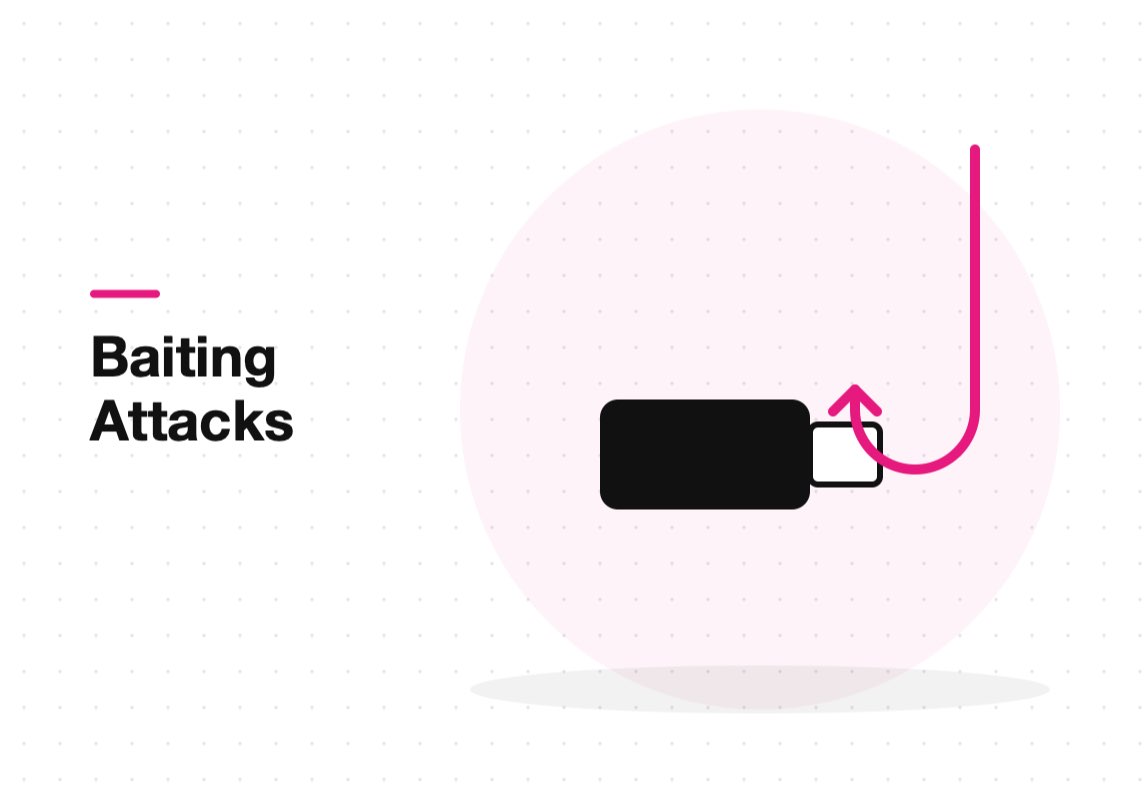
Quick answer: Baiting is a social engineering attack that tempts a victim with something they want, such as a free film download, a gift card or a USB drive labelled “Salaries”, so that they install malware or hand over login details themselves. It works on curiosity and greed rather than on software flaws, so the main defenses are device controls and staff awareness.
Baiting sits alongside phishing and pretexting in the social engineering family. The difference is the lure: phishing usually impersonates someone you trust, while baiting offers something you want. This guide explains how baiting works, shows common examples and sets out practical steps to stop it.
Baiting vs other social engineering attacks
| Attack | How the victim is tricked | Typical channel |
|---|---|---|
| Baiting | Offered something desirable for free | USB drives, fake downloads, pop-up offers |
| Phishing | Message impersonates a trusted sender | Email, SMS, social media |
| Pretexting | Attacker invents a believable story or role | Phone calls, email threads |
| Quid pro quo | Promised a service in exchange for access | Fake IT support calls |
| Tailgating | Follows an authorized person through a door | Physical premises |
All five rely on human behavior, not technical weaknesses. Baiting is distinctive because the victim takes the first action voluntarily, which is why it often slips past people who would ignore a suspicious email.
How baiting works
A baiting attack has three parts. The lure is the object or offer. The hook is the moment the victim acts on it, by plugging in a drive, running a download or entering credentials to “claim” a prize. The payload is what follows: malware, a keylogger, remote access or a stolen password.
Common baiting examples
- Infected USB drives left in car parks, lobbies or meeting rooms, often labelled to provoke curiosity.
- Free software, films or games on download sites that bundle malware with the file.
- Prize and gift card offers that ask the winner to sign in with a work or social media account.
- Fake software updates or browser plug-ins promising better performance.
- Free charging cables and public charging points that can carry data as well as power.
Baiting is often the first step in a larger attack. A single infected device can give an attacker a foothold for ransomware or data theft, which is why small firms should read our guide to protecting SMEs against phishing and ransomware.
How to prevent baiting attacks
- Control removable media. Block unknown USB storage devices on company endpoints, or allow only approved, encrypted drives.
- Restrict software installation. Remove local administrator rights and use application allowlisting.
- Run endpoint protection. Modern tools detect malicious files and suspicious behavior; see how endpoint security works.
- Train staff with real examples. Include baiting in security awareness sessions, not only email phishing.
- Make reporting easy. Give people a simple way to hand in found devices and report suspicious offers without blame.
CISA’s guidance on avoiding social engineering attacks reinforces the same principle: slow down and verify before acting on an unexpected offer. For the wider picture, read our guide to social engineering attacks and how to prevent them.
Frequently asked questions
What is an example of baiting?
A USB drive labelled “Confidential” left in an office car park is a classic example. An employee who plugs it in to find its owner may install malware without realizing it.
Is baiting the same as phishing?
No. Phishing impersonates a trusted sender to make you act. Baiting offers you something you want so that you act voluntarily. Both are forms of social engineering.
Can baiting happen online?
Yes. Fake free downloads, prize offers and bogus software updates are online forms of baiting and are far more common than physical USB drops.
What should I do if I find a USB drive?
Do not plug it into any computer. Hand it to your IT or security team, who can examine it safely on an isolated system.
Conclusion
Baiting works because it feels like the victim’s own idea. Technical controls on USB devices and software installation remove most of the risk, and awareness training covers the rest. Treat anything free and unexpected as suspicious until it is verified.