Most novels don’t stall because the writer ran out of ideas. They stall around the 30,000-word mark, when the plot lives in one app, the character notes in another, and the draft in a Word file nobody wants to scroll through. The right software doesn’t write the book for you. It keeps the whole book in view so you can finish it.
We looked at seven tools novelists use today and judged them on four things:
- Planning: can you see your structure (chapters, arcs, beats) at a glance?
- Drafting: is the editor comfortable for a 90,000-word manuscript?
- Getting out: can you export a clean .docx or PDF for an agent or editor?
- Price: what does it actually cost after the trial ends?
Here is the short version, then the detail.
| # | Tool | Best for | Works on | Starting price |
|---|---|---|---|---|
| 1 | Skrib | Planning and drafting in one place | Browser, any device | $12/month or $120/year |
| 2 | Scrivener | Deep manuscript organisation, offline | Mac, Windows, iOS | One-time licence |
| 3 | Dabble | Simple plotting plus goals | Browser, desktop | Monthly subscription |
| 4 | Plottr | Visual outlining only | Mac, Windows, browser | Annual or lifetime |
| 5 | Novlr | Clean, minimal drafting | Browser | Monthly subscription |
| 6 | Atticus | Formatting for self-publishing | Browser, desktop | One-time licence |
| 7 | Google Docs | Free, familiar, shareable | Browser | Free |
Prices change often. Check each vendor’s pricing page before you buy.
1. Skrib: best overall for planning and drafting in one place
Website: skrib.com
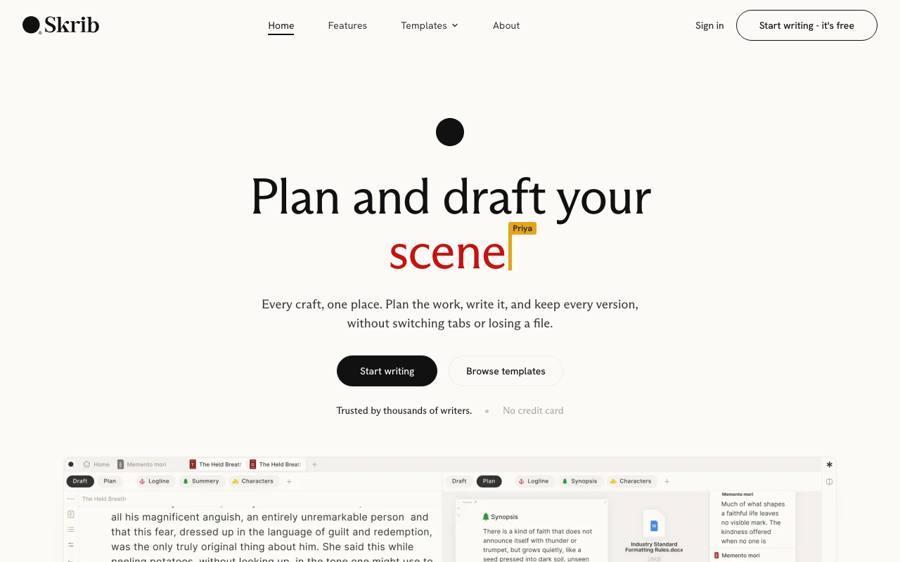
Skrib is a browser-based writing studio built for long-form work. What sets it apart is that your plan and your manuscript sit side by side instead of in separate apps. The Board is an open canvas for scene cards, notes, stickies, arrows and uploaded images, so you can lay out chapters and character arcs the way you would on a corkboard. The Draft is the manuscript editor, with chapters, multiple drafts and word counts. The Library holds research, character sketches, timelines and worldbuilding next to the book.
For novelists who outline, this removes the most common workflow problem: copying a plan from one tool into a draft in another and watching the two drift apart. If you start from structure, Skrib includes ready-made boards, such as a three act structure template, so you can place your turning points before you write a line.
Getting your work out is just as straightforward. Skrib exports to .docx, PDF, Markdown and other formats, and imports existing manuscripts as a Draft, which matters if you are moving a half-finished book from Word or Scrivener. Because it runs in the browser, the same project opens on a laptop or an iPad without manual syncing. You can invite co-writers and editors, and there is an optional AI Companion on the higher plans; the base Studio plan has no AI at all, and Skrib states that it does not train AI on your writing.
Strengths
- Plan (Board), manuscript (Draft) and research (Library) in one workspace
- Clean export to .docx and PDF for agents and editors
- Works on any device through the browser; no install
- Studio plan has no AI, for writers who want none
Weaknesses
- Needs an internet connection; it is not an offline desktop app
- Newer than Scrivener, so there are fewer third-party tutorials
Price: 7-day free trial, no card needed. Studio is $12 a month or $120 a year ($72 for the first year on annual billing). Plans with the AI Companion start at $170 a year. 30-day money-back guarantee.
Best for: novelists who plot before they draft and want one place for the whole book. If you are weighing up dedicated novel writing software for the first time, this is the easiest place to start.
2. Scrivener: best for offline, deep manuscript organisation
Website: literatureandlatte.com/scrivener
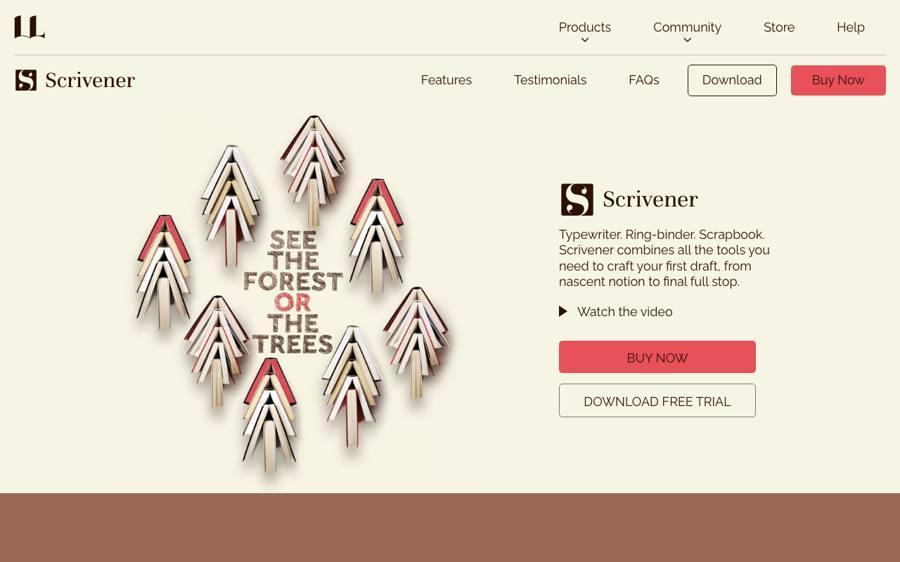
Scrivener has been the default serious writing tool for well over a decade. Its binder lets you split a manuscript into scenes and reorder them freely, and its corkboard and outliner views help you see structure. The compile feature can produce almost any output format once you learn it.
That last part is the catch. Scrivener is powerful, but the learning curve is real, and many writers use only a fraction of it. Syncing between desktop and iOS works through Dropbox and needs care.
Strengths: very deep organisation, offline, one-time purchase
Weaknesses: steep learning curve, dated interface, fiddly sync, compile takes practice
Price: one-time licence per platform (Mac/Windows and iOS sold separately)
Best for: writers who work offline and are happy to invest time learning the tool
3. Dabble: best for simple plotting with writing goals
Website: dabblewriter.com
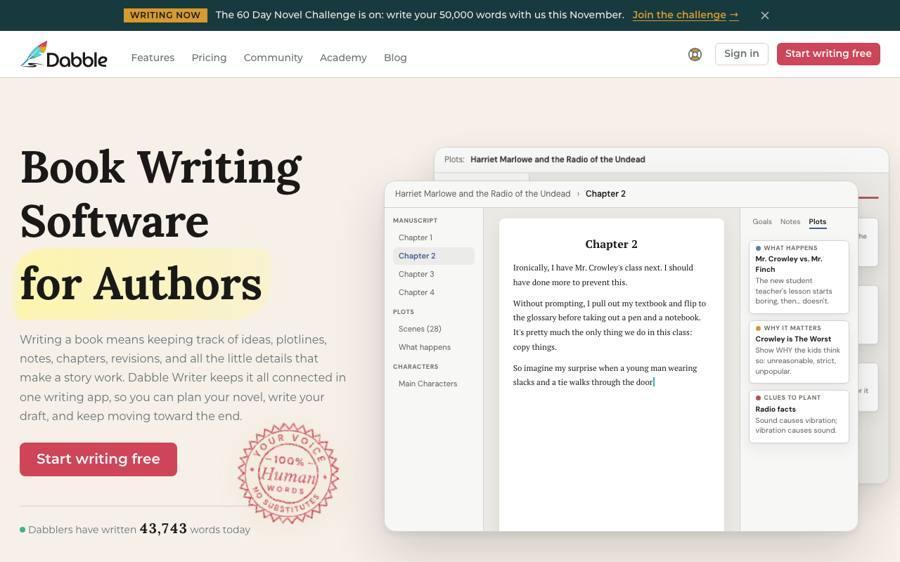
Dabble is a friendly, cloud-based manuscript tool with a plot grid, drag-and-drop chapters and built-in word-count goals. It is easy to pick up and pleasant for NaNoWriMo-style sprints.
Strengths: gentle learning curve, goal tracking, works across devices
Weaknesses: planning is a grid rather than a free canvas; higher tiers needed for some features
Price: monthly or annual subscription in several tiers
Best for: writers who want light structure and daily motivation
4. Plottr: best for visual outlining only
Website: plottr.com
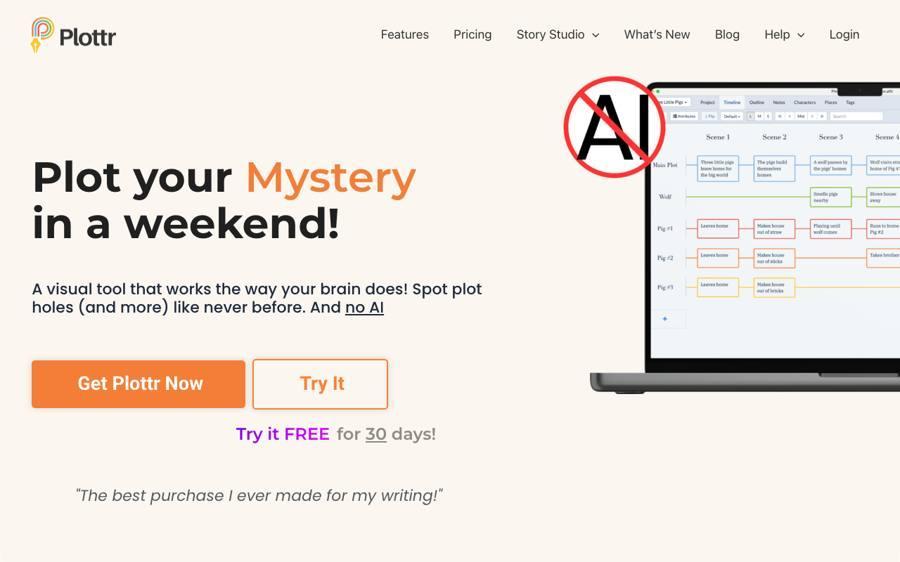
Plottr is a dedicated outlining tool. You build timelines with colour-coded plotlines, attach characters and places, and use story-structure templates. It is excellent at what it does, but it is not where you write the book, so most users pair it with Word, Scrivener or another editor.
Strengths: clear visual timelines, many structure templates, series bibles
Weaknesses: no real drafting, so you manage two tools
Price: annual subscription or lifetime licence
Best for: heavy plotters and series writers who already have a drafting tool they like
5. Novlr: best for clean, minimal drafting
Website: novlr.org
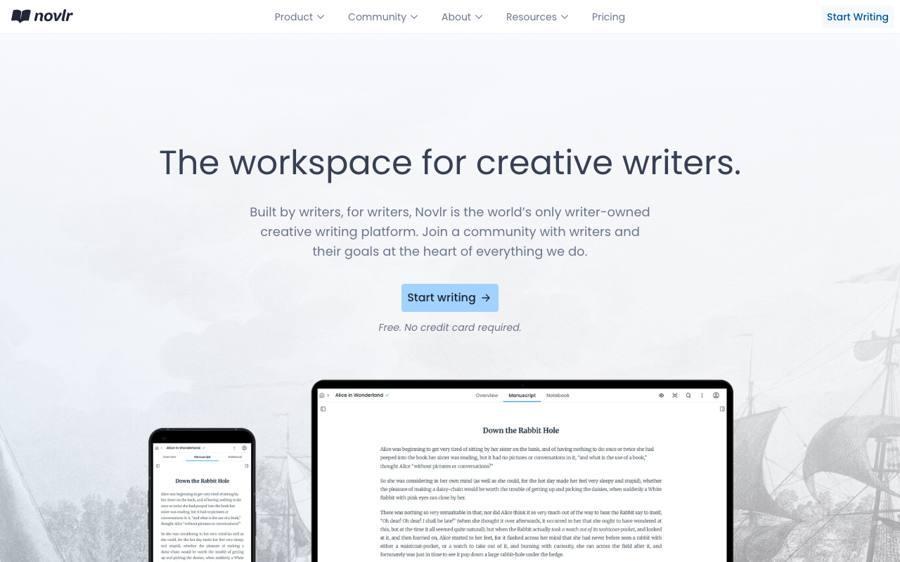
Novlr is a calm browser editor designed by writers. It focuses on distraction-free writing, chapter organisation and writing stats, with less emphasis on planning.
Strengths: beautiful, quiet editor; good stats; works online
Weaknesses: limited planning and visual structure
Price: monthly or annual subscription
Best for: discovery writers (“pantsers”) who want a nice place to type
6. Atticus: best for formatting a finished book
Website: atticus.io
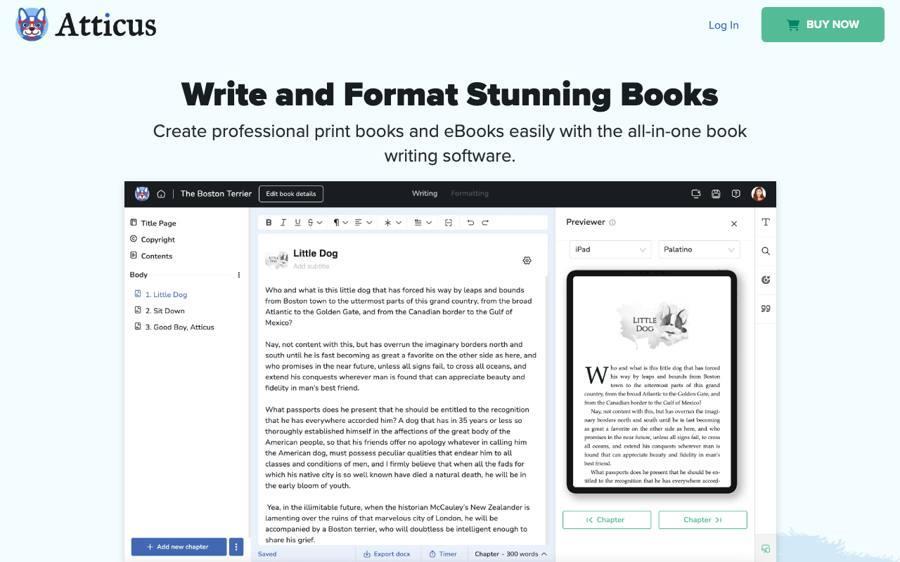
Atticus is mainly a book-formatting tool for self-publishers. You can write in it, but its real job is turning a finished manuscript into a print-ready PDF and an ePub with professional layouts.
Strengths: fast, attractive print and ebook formatting
Weaknesses: basic writing and no real planning tools
Price: one-time licence
Best for: indie authors at the publishing stage, not the drafting stage
7. Google Docs: best free option
Website: workspace.google.com/products/docs
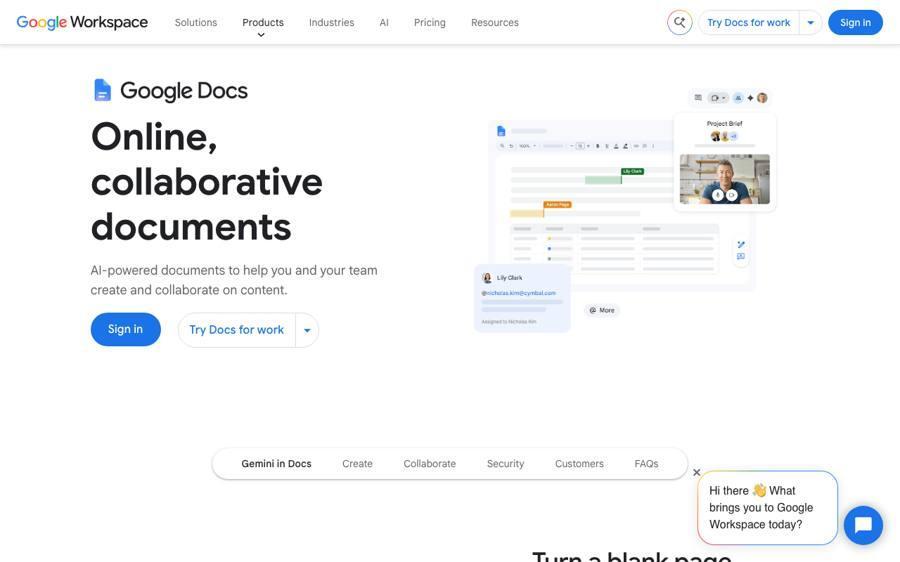
Google Docs is free, familiar and easy to share with beta readers. For a short story it is all you need. For a novel, the single long document becomes hard to navigate, and there is nowhere to plan structure besides a second document or a spreadsheet.
Strengths: free, comments and sharing, works everywhere
Weaknesses: no structure tools; long manuscripts get unwieldy
Price: free
Best for: short fiction, or writers not ready to pay for a tool yet
How to choose
- You outline first and want everything in one place: Skrib.
- You write offline and like deep control: Scrivener.
- You want light structure and daily goals: Dabble.
- You only need a better outline: Plottr, paired with an editor.
- You want a quiet place to type and plan in your head: Novlr.
- Your book is done and needs formatting: Atticus.
- You are on a zero budget: Google Docs.
FAQ
What is the best novel writing software for beginners?
Pick the one with the smallest learning curve that still shows your structure. Skrib and Dabble are both quick to learn; Scrivener does more but takes longer to master.
Can I move a half-written novel into new software?
Yes. Most tools import .docx. Skrib imports a manuscript straight into a Draft, and Scrivener imports Word files into its binder.
Do I need AI in my writing software?
No. Several tools on this list have no AI at all. Skrib's Studio plan has none, and its AI Companion is a separate, optional plan.
Is there free novel writing software?
Google Docs is free. Most dedicated tools offer a free trial instead; Skrib's is seven days with no card required.