

Summary
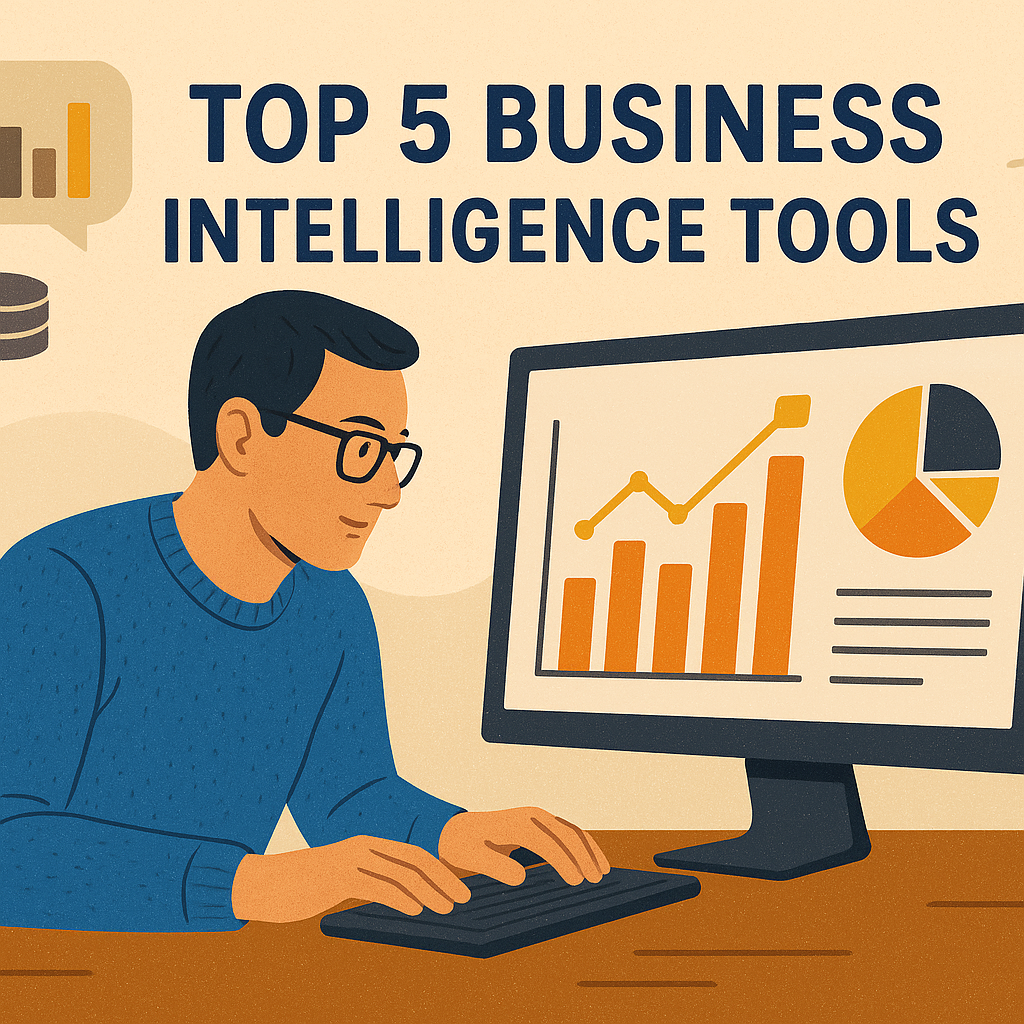
Business intelligence (BI) is no longer limited to technical analysts. Today, intuitive BI platforms allow non-technical users to visualise data, create reports, and uncover trends without coding skills. The right tool can help SaaS teams make data-driven decisions quickly and confidently.
Why BI Matters for Non-Tech Users
SaaS businesses handle large amounts of customer, sales, and product data. Without accessible BI tools, this data often goes unused. Tools designed for non-tech users simplify reporting with drag-and-drop dashboards, automated insights, and natural language queries. This reduces dependence on developers and speeds up decision-making.
Key Features to Look For
When choosing a BI platform for non-technical users, consider:
- Ease of use: Drag-and-drop interfaces and guided workflows.
- Data connectivity: Simple integrations with spreadsheets, CRMs, and SaaS platforms.
- Collaboration: Shareable dashboards for team-wide visibility.
- Scalability: Ability to grow with the business without requiring new technical hires.
Top 5 BI Tools for Non-Tech Users
1. Tableau
Tableau offers an intuitive interface with drag-and-drop dashboards. Its visualisation power makes data easy to understand for managers and teams.
2. Power BI
Microsoft Power BI is user-friendly and integrates seamlessly with Excel and Office 365. It supports natural language queries for fast insights.
3. Looker Studio
Looker Studio (formerly Google Data Studio) provides free, cloud-based dashboards. It connects easily with Google Analytics, Sheets, and other SaaS data sources.
4. Zoho Analytics
Zoho Analytics caters to non-tech users with automated reports and AI-driven insights. It is well-suited for small to medium SaaS companies.
5. Qlik Sense
Qlik Sense enables users to explore data interactively. Its associative engine helps uncover hidden trends without advanced querying skills.
Comparison Table
| Option | Key features | Best for |
| Tableau | Drag-and-drop dashboards, advanced visuals | Teams needing powerful visuals |
| Power BI | Excel integration, natural language queries | Microsoft users |
| Looker Studio | Free, cloud-based, Google integrations | SaaS teams on Google ecosystem |
| Zoho Analytics | AI-driven insights, easy reporting | Small to mid-size SaaS firms |
| Qlik Sense | Interactive analysis, trend discovery | Exploring complex data simply |
Conclusion
For SaaS teams without technical expertise, modern BI tools provide the power of data without complexity. Options like Power BI and Looker Studio are ideal for quick adoption, while Tableau and Qlik Sense serve businesses needing deeper insights. The right choice depends on your data sources, team size, and reporting goals.
FAQ
- What is the easiest BI tool for beginners?
Looker Studio is often the simplest for beginners because of its free access and Google integrations. - Can non-tech users build dashboards without training?
Yes. Tools like Tableau and Power BI use drag-and-drop dashboards that require little or no technical training. - Are BI tools expensive?
Costs vary. Looker Studio is free, while Power BI and Zoho offer affordable entry-level plans for SaaS teams. - Do BI tools work with spreadsheets like Excel or Google Sheets?
Yes. Most BI platforms connect directly to spreadsheets and popular SaaS applications. - Which BI tool is best for a growing SaaS company?
Zoho Analytics and Power BI balance scalability and simplicity, making them suitable for growth-focused SaaS firms. - How do BI tools help SaaS companies grow?
They provide insights into customer behaviour, product usage, and revenue trends, enabling faster and smarter decisions.
