

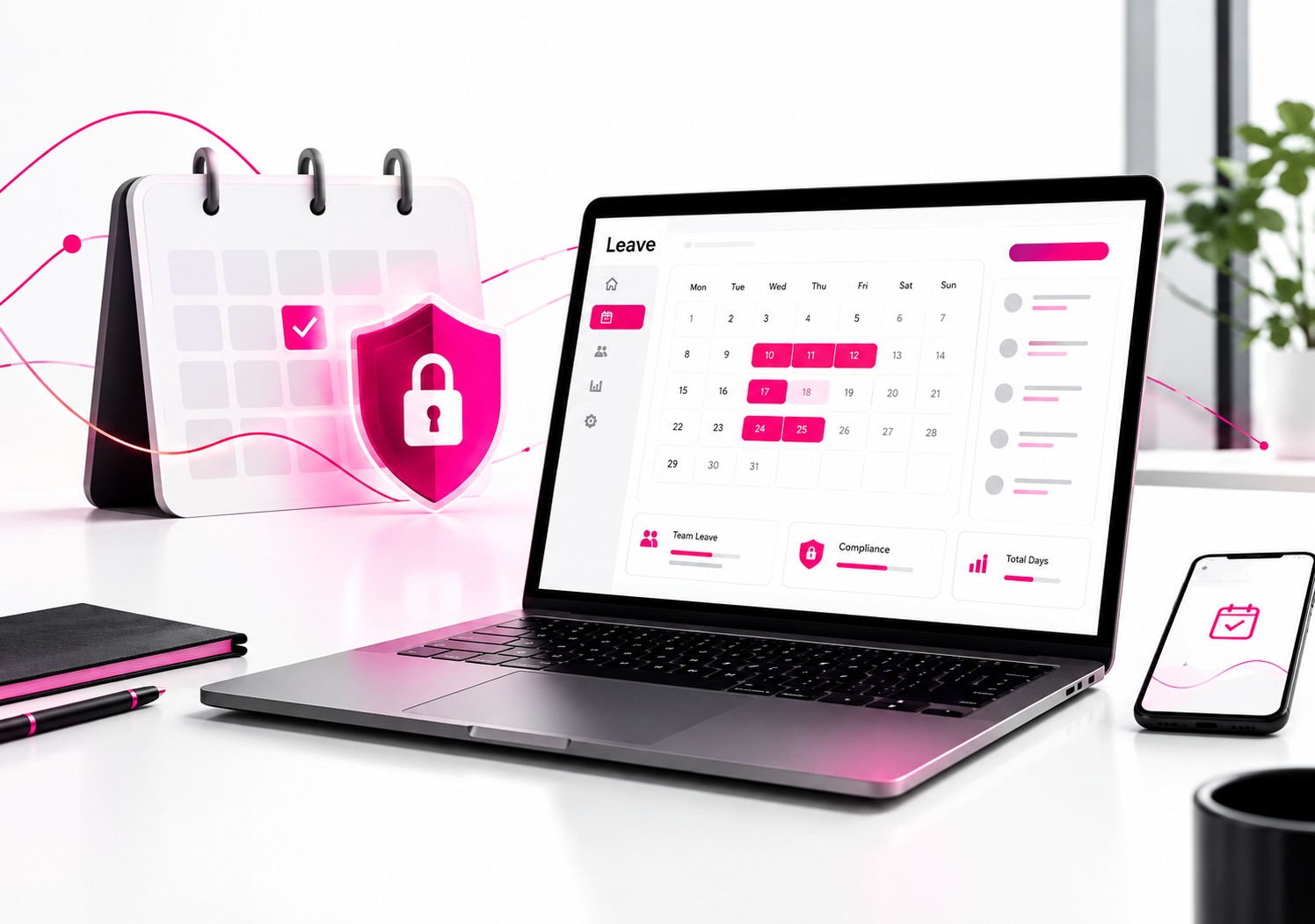
For most UK small and mid-sized businesses, Leave Dates is our top choice. It combines dedicated holiday and absence management with automatic leave records, straightforward pricing, calendar integrations and a simple interface.
Spreadsheets used to be good enough for tracking staff holidays. In 2027, businesses also need to consider accurate holiday and pay records and how those records are stored. Since 6 April 2026, UK employers have had a legal duty to keep records of annual leave and holiday pay for at least six years. The new Fair Work Agency, established on 7 April 2026, now enforces holiday pay alongside other employment rights.
With these requirements in mind, we compared 10 popular leave management platforms on price, ease of use, compliance and record-keeping features, leave policy flexibility, integrations and user reviews. Here is how they compare.
Quick picks
| Rank | Platform | Best for | Starting price |
| 1 | Leave Dates | UK SMEs wanting the best value dedicated leave tool | £0.75 per user per month |
| 2 | Timetastic | Very simple holiday booking for small teams | From around £1.20 per user per month |
| 3 | Vacation Tracker | Teams that live in Slack or Microsoft Teams | From $2 per user per month (annual) |
| 4 | WhosOff | Established UK leave tracking with varied entitlements | On request |
| 5 | BrightHR | Leave plus HR advice and rotas | On request |
| 6 | Breathe HR | Leave inside a wider HR system | Priced by company size |
| 7 | CharlieHR | Start-ups wanting HR basics plus leave | Priced by company size |
| 8 | Calamari | International teams needing attendance tracking | Modular pricing |
| 9 | LeaveBoard | Micro teams wanting a free plan | Free up to 9 users |
| 10 | edays | Larger organisations with complex absence rules | Quote based |
How we ranked these platforms
Each platform was scored against six criteria that matter most to employers in 2027:
- Compliance and record keeping: can it produce a clear, lasting record of leave taken, carried over and approved, to meet the six-year record duty?
- Ease of use: how quickly can a manager set it up, and will staff actually use it?
- Value for money: the true cost per user, including which features sit behind higher tiers.
- Leave policy depth: carry over, TOIL, part-time pro rata, custom leave types and bank holidays.
- Integrations: calendar sync, Slack, Microsoft Teams, SSO and API access.
- User reputation: verified reviews on Capterra, G2 and GetApp.
1. Leave Dates: best leave management software overall
Best for: UK small and mid-sized businesses that want a dedicated, affordable leave platform
Price: Starter £0.75, Essentials £1.50, Plus £1.88 per user per month
Free trial: 30 days, no credit card needed
Rating: 4.8 out of 5 on Capterra (370+ reviews)
Leave Dates takes our top spot because it does the one job most businesses need, managing leave, better and more cheaply than anything else on this list. It is built in the UK for UK employment rules. It avoids charging for HR modules you will never use, and it is easy enough that staff start booking leave on day one.
The shared visual wall chart shows who is off at a glance. Each employee gets a personal year chart. Managers approve requests in a couple of clicks on desktop or on the iOS and Android apps. Behind the scenes, Leave Dates calculates balances, pro rata allowances and carry over automatically. Every request and approval is logged, which gives you a clean audit trail for the six-year holiday record duty.
Key features
- Shared wall chart and personal year chart
- Custom leave types, allowances and approvers
- Automatic carry over of unused leave
- TOIL management and overlap warnings (Essentials)
- Google and Outlook calendar sync, plus Slack integration (Essentials)
- SSO, API access and custom leave year start dates (Plus)
- Bank holidays for more than 150 countries
- Departments and multi-location support
Pros
- Lowest starting price of any dedicated leave tool we tested
- Genuinely simple for staff, with strong reviews for ease of use and support
- UK-based support team and help migrating from spreadsheets or other systems
- Clear tiers, so you only pay for the features you need
Cons
- Focused on leave and absence, not payroll or recruitment
- Calendar sync and Slack sit on the Essentials plan rather than Starter
Verdict: if your main problem is tracking holidays, sickness and TOIL accurately, Leave Dates gives you the most for your money.
2. Timetastic
Best for: very small teams wanting simple holiday booking
Price: from around £1.20 per user per month
Free trial: one month
Timetastic is one of the best-known UK leave planners and has been around since 2012. Its wallchart is clear, its mobile app is well liked, and it covers public holidays for more than 250 countries. It now also offers a rota and time clock add-on.
Pros: very easy setup, strong brand, good Slack and Teams notifications.
Cons: costs more per user than Leave Dates, and some features such as accruals require the Pro plan.
Verdict: a solid choice, but Leave Dates offers a similar experience at a lower price.
3. Vacation Tracker
Best for: remote teams that work inside Slack, Microsoft Teams or Google Workspace
Price: from $2 per user per month on annual billing, with a free plan available
Vacation Tracker lets staff request and approve leave without leaving their chat tool. It handles accruals and multiple locations well.
Pros: excellent chat integrations, good for distributed teams.
Cons: priced in dollars and built with a global focus rather than UK rules first.
4. WhosOff
Best for: UK employers wanting an established, leave-focused product
Price: on request
WhosOff has served UK businesses since 2007 and supports varied entitlements across sectors such as legal, accountancy and healthcare.
Pros: long track record, flexible entitlement rules.
Cons: the interface feels less modern than newer tools, and pricing is less transparent.
5. BrightHR
Best for: small businesses that want HR advice alongside leave tracking
Price: on request
BrightHR combines a holiday planner with rotas, document storage, clocking in and access to employment law guidance.
Pros: broad HR toolkit, useful advice line.
Cons: significantly more expensive if you only need leave management.
6. Breathe HR
Best for: SMEs that want leave inside a central HR record
Price: banded by company size
Breathe is a popular UK HR platform with holiday booking, sickness tracking, documents and performance features.
Pros: all-in-one HR record, UK focused.
Cons: you pay for a full HR suite even if leave is your main need.
7. CharlieHR
Best for: start-ups building their first HR processes
Price: banded by company size
CharlieHR covers time off alongside onboarding, employee records and performance reviews.
Pros: friendly design, good for fast-growing teams.
Cons: leave features are less detailed than those of dedicated tools.
8. Calamari
Best for: international teams that also need attendance tracking
Price: modular pricing across Time Off, Attendance and Core HR
Calamari is strong on leave policy rules and supports many countries and languages.
Pros: powerful policy options, clock in and clock out.
Cons: modular billing can make it more expensive than it first looks.
9. LeaveBoard
Best for: micro businesses wanting a free option
Price: free for up to 9 users, then from $1.35 per user per month
LeaveBoard offers a capable free plan with custom reports and Slack integration.
Pros: generous free tier, flexible reporting.
Cons: a steeper learning curve than simpler tools.
10. edays
Best for: larger organisations with complex sickness and absence rules
Price: quote based, usually on annual contracts
edays is built for structured absence workflows, return-to-work processes and multi-country rules.
Pros: deep absence management, enterprise ready.
Cons: heavier setup and less suitable for small teams wanting a lightweight tool.
Side-by-side comparison
| Platform | Dedicated leave tool | UK focused | TOIL | Calendar sync | Mobile app | Starting price |
| Leave Dates | Yes | Yes | Yes | Yes | Yes | £0.75 |
| Timetastic | Yes | Yes | Yes | Yes | Yes | ~£1.20 |
| Vacation Tracker | Yes | No | Yes | Yes | Yes | $2 |
| WhosOff | Yes | Yes | Yes | Yes | Yes | On request |
| BrightHR | No (HR suite) | Yes | Yes | Yes | Yes | On request |
| Breathe HR | No (HR suite) | Yes | Yes | Yes | Yes | Banded |
| CharlieHR | No (HR suite) | Yes | Limited | Yes | Yes | Banded |
| Calamari | Partly | No | Yes | Yes | Yes | Modular |
| LeaveBoard | Yes | No | Yes | Yes | Yes | Free to 9 users |
| edays | Yes | Yes | Yes | Yes | Yes | Quote |
How to choose the right leave management system
Start with the problem, not the feature list. If you mainly need to stop holiday clashes and keep accurate balances, a dedicated tool like Leave Dates will be faster to roll out and cheaper than an HR suite.
Check your record keeping. Under the Employment Rights Act 2025, records must show leave taken, carry over, payments in lieu and how holiday pay was calculated, and must be kept for six years. Choose a system that logs every request and approval automatically.
Count the real cost. Compare the plan you would actually need, not just the headline price. Integrations such as calendar sync, Slack and SSO often sit on higher tiers.
Think about part-time and irregular hours staff. Pro rata calculations and TOIL are where spreadsheets fail silently, so test these during your free trial.
Trial with real data. Most platforms, including Leave Dates, offer a free trial. Set up your actual departments, leave types and bank holidays before you commit.
Frequently asked questions
What is the best leave management software in 2027?
For most UK small and mid-sized businesses, Leave Dates is the best leave management software in 2027. It combines the lowest starting price of any dedicated leave tool we tested with strong reviews, a UK-based support team and automatic records that support the six-year holiday record duty.
Do UK employers have to keep holiday records?
Yes. Since 6 April 2026, employers must keep adequate records of annual leave and holiday pay for at least six years. Failing to keep adequate records is a criminal offence punishable by an unlimited fine. See the Acas guide to the Employment Rights Act 2025.
Is there free leave management software?
Some platforms offer free plans for very small teams; for example, LeaveBoard is free for up to 9 users. Leave Dates offers a 30-day free trial with no credit card needed, and paid plans start at £0.75 per user per month.
What is the difference between leave management and absence management software?
Leave management software focuses on planned time off such as holidays, TOIL and parental leave. Absence management software also covers unplanned absence such as sickness, often with reporting on patterns and return-to-work processes. Most modern tools, including Leave Dates, handle both.
What is a good alternative to Timetastic?
Leave Dates is the closest alternative to Timetastic for UK businesses, offering a similar wall chart and approval workflow at a lower starting price per user.
Final verdict
Every platform on this list will get you off spreadsheets. If you need a full HR suite, Breathe HR, BrightHR or CharlieHR are worth a look. If you run a large organisation with complex sickness rules, consider edays.
For most businesses, though, the job is simple: know who is off, keep balances right and keep records that stand up to scrutiny. Leave Dates does that better and for less than any other platform we tested, which is why it is our top leave management platform for 2027.
