

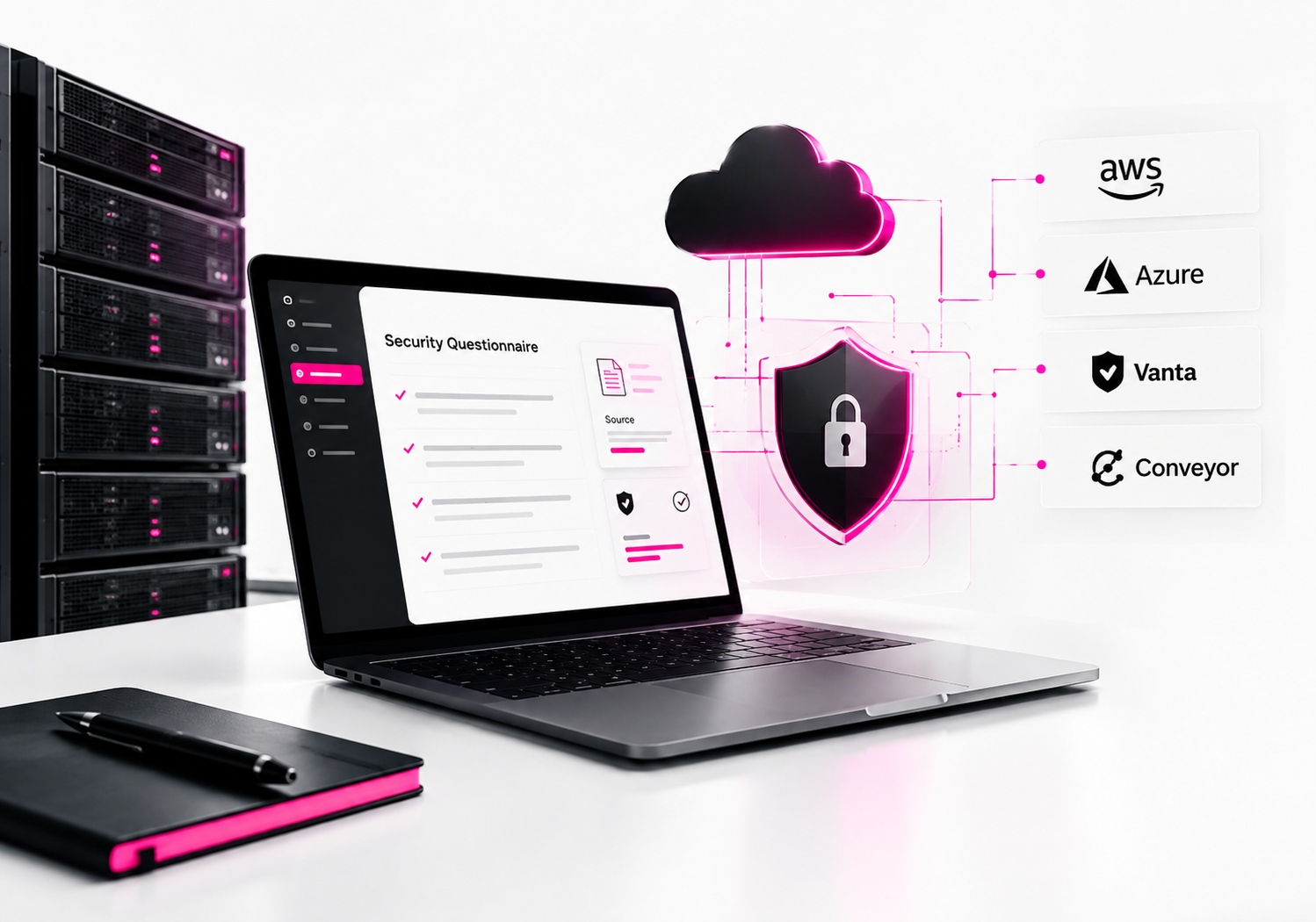
The best software for automating security questionnaire responses depends on what you need to automate. Conveyor is a strong choice for dedicated questionnaire automation, Vanta fits teams that want questionnaire workflows tied to compliance, HyperComply works well for security teams that want AI plus human review, and Responsive or Loopio are better fits for broader RFP and response-management workflows. The right choice depends on questionnaire volume, source control, integrations, and how much human review you require.
Security questionnaires are more than repetitive spreadsheets. They often ask for evidence about encryption, access control, incident response, data retention, vulnerability management, privacy, and compliance. An AI tool can draft an answer quickly, but a security team still needs to know where that answer came from and whether it is still true.
That distinction should drive your software decision. NIST’s supply-chain guidance treats supplier due diligence as a structured risk-assessment activity, not simply a paperwork exercise.
What is the best software for automating security questionnaire responses?
Conveyor is my top pick for teams primarily focused on automating customer security questionnaires, while Vanta is stronger when questionnaire automation is part of a broader compliance program. HyperComply is another strong option when human review is important, while Responsive and Loopio make more sense when security questionnaires are part of a wider RFP response operation.
Here is the practical shortlist:
| Software | Best for | Main strength |
|---|---|---|
| Conveyor | Security and customer-trust teams | AI questionnaire automation |
| Vanta | Compliance-focused companies | Compliance + questionnaires |
| HyperComply | Lean security teams | AI + human review |
| Responsive | Enterprise response teams | RFP + questionnaire management |
| Loopio | Sales/proposal teams | Reusable response library |
The important distinction is that these products are not identical categories. Some are questionnaire-first platforms, while others are compliance or proposal-management systems that also automate security questionnaires.
How does security questionnaire automation software work?
Security questionnaire automation software uses an organization’s approved security information to generate or reuse answers instead of making employees answer every question manually. Modern platforms can work with spreadsheets, documents, PDFs, web portals, knowledge bases, policies, and previous questionnaires.
A typical workflow looks like this:
Questionnaire → Import → Match questions → Generate answer → Cite source → Human review → Submit
The best systems don’t simply generate convincing text. They connect an answer to an approved source.
For example, if a customer asks:
“Are customer passwords encrypted at rest?”
The system should ideally identify the company’s approved security documentation and produce an answer that the security team can verify.
That is much safer than asking a general-purpose chatbot to guess an answer.
Conveyor says its platform can generate answers with citations back to approved source material and automate questionnaire workflows across different formats and portals.
Why should companies automate security questionnaire responses?
Automation reduces repetitive work and gives security teams a consistent process for answering recurring questions. The biggest benefit isn’t simply typing faster; it’s building a reusable source of approved security knowledge.
Consider a SaaS company receiving questionnaires from 20 enterprise prospects.
The same questions may appear repeatedly:
- Do you use MFA?
- Do you encrypt data at rest?
- Do you perform penetration testing?
- Do you have an incident-response plan?
- Do you maintain SOC 2?
- How long do you retain customer data?
- Do employees receive security training?
Answering these manually creates duplicated work.
Worse, different employees may give slightly different answers to the same question.
Automation creates a controlled answer library and gives security teams a review point before submission.
A 2024 Conveyor industry survey reported that 52% of deals were delayed sometimes or often because of security reviews, while only 13% of InfoSec teams surveyed considered their current process efficient. Those figures come from Conveyor’s own research, so they should be treated as vendor-reported rather than an independent industry benchmark.
What should you look for in security questionnaire automation software?
Prioritize source-backed answers, review controls, questionnaire-format support, and auditability before flashy AI features. A tool that generates answers quickly but cannot explain where they came from can create more security risk than it removes.
1. Source-backed answers
The platform should tell you why it generated an answer.
Look for:
- Source document references
- Approved answer libraries
- Confidence indicators
- Version history
- Citations
- Review status
Conveyor, for example, says its AI generates cited answers using approved knowledge.
2. Human approval
Security answers should not automatically become customer commitments.
A good workflow is:
AI draft → Security review → Approval → Submission
This is especially important for questions involving contractual obligations, regulatory requirements, breach notification, data residency, encryption, or customer-specific controls.
3. Multiple questionnaire formats
Don’t assume every customer will send an Excel file.
Questionnaires can arrive as:
- XLS/XLSX
- DOC/DOCX
- Web forms
- Customer portals
- Custom spreadsheets
HyperComply says it supports questionnaires in XLS, DOC, PDF, and web-portal formats.
4. Knowledge-base management
Your security environment changes.
You may change cloud providers, update retention policies, introduce MFA, obtain a new certification, or modify incident-response procedures.
Your questionnaire software needs a way to keep answers synchronized with current documentation.
Is Conveyor the best software for security questionnaire automation?
Conveyor is one of the strongest choices when the primary problem is customer security reviews rather than general compliance management. Its platform focuses on questionnaire intake, AI-generated answers, cited sources, portal workflows, collaboration, and customer-trust processes.
That makes it particularly attractive to:
- B2B SaaS companies
- Security teams
- Customer-trust teams
- Sales engineering teams
- Companies handling large questionnaire volumes
The main limitation is that a dedicated questionnaire platform may be unnecessary for a small company receiving only a handful of assessments each year.
If you receive five questionnaires annually, a sophisticated platform may be overkill.
If you receive hundreds, the economics can change quickly.
Is Vanta good for automating security questionnaires?
Yes, Vanta is particularly attractive when security questionnaires are connected to a larger compliance program. Its questionnaire automation uses a company’s knowledge base and previous questionnaires to generate responses, while Vanta also provides compliance and security-management capabilities.
This matters for companies already using Vanta for frameworks such as SOC 2 or ISO 27001.
Instead of maintaining one system for compliance evidence and another completely separate answer database, the questionnaire workflow can benefit from the organization’s broader security information.
Vanta isn’t necessarily the best choice if questionnaire automation is your only requirement. Its bigger advantage is the combination of compliance and customer-security workflows.
Is HyperComply good for security questionnaire responses?
HyperComply is a strong option for teams that want automated questionnaire completion with human review rather than relying entirely on AI-generated answers. Its platform supports questionnaire automation, a security knowledge base, collaboration, and a Trust Page for proactively sharing security information.
HyperComply also advertises AI-generated questionnaire responses combined with expert human review.
That model is useful when your team wants automation but doesn’t want a fully autonomous system making security commitments.
It can also reduce the number of questionnaires you receive by giving customers a centralized place to review approved security information.
Should you choose Responsive or Loopio for security questionnaires?
Choose Responsive or Loopio when security questionnaires are part of a broader RFP, proposal, or response-management operation. These platforms are designed for organizations that need reusable content, collaboration, workflow management, and response automation beyond security assessments.
Loopio, for example, supports security questionnaires alongside RFP and broader response-management workflows. Responsive similarly positions its platform around response projects, AI-generated answers, controlled content, and collaboration.
That makes these tools particularly relevant to:
- Proposal teams
- Sales operations
- Enterprise response teams
- Sales engineering
- Organizations answering both RFPs and security questionnaires
For a dedicated InfoSec team, I would generally start by evaluating questionnaire-first platforms before broader proposal software.
What is the difference between questionnaire automation and compliance automation?
Questionnaire automation helps you answer customers; compliance automation helps you maintain the controls and evidence behind those answers. They overlap, but they are not the same job.
| Type | Primary purpose | Typical users |
|---|---|---|
| Questionnaire automation | Answer customer assessments | Security, sales engineering |
| Compliance automation | Manage controls and evidence | GRC, security, compliance |
| Trust center | Let customers self-serve security information | Security, sales |
For example, Vanta or Drata can help manage compliance programs, while a questionnaire-focused platform may concentrate more heavily on responding to individual customer assessments.
CyberSnowden’s existing guide on compliance software for automated security questionnaires also covers Vanta, Drata, and OneTrust, making it a useful related resource when comparing compliance-led approaches.
How do you choose the right questionnaire automation tool?
Start with your actual questionnaire workflow, not the vendor’s feature list. Take five to ten real questionnaires your team has recently completed and use them as the evaluation dataset.
Step 1: Measure questionnaire volume
Record how many assessments you receive each month.
A company answering two questionnaires per month has very different needs from one answering 50.
Step 2: Identify where questionnaires arrive
List the formats:
- Excel
- Word
- Web portals
- Email attachments
- Customer-specific systems
Portal support can become a major productivity factor if your team spends hours copying answers between systems.
Step 3: Build an approved answer library
Before deploying AI, identify your authoritative sources.
Useful sources include:
- Security policies
- SOC 2 reports
- ISO 27001 documentation
- Penetration-test summaries
- Incident-response policies
- Data-processing agreements
- Privacy policies
- Business continuity documentation
- Access-control policies
Step 4: Test difficult questions
Don’t test only easy questions such as “Do you use MFA?”
Test questions involving:
- Subprocessors
- Data residency
- Encryption key management
- Vulnerability remediation
- Incident notification
- Backup retention
- Disaster recovery
- Customer data deletion
These expose the difference between genuine source-grounded automation and generic AI text generation.
Step 5: Check security of the automation platform itself
This is the step teams often overlook.
You’re giving the platform sensitive information about your security program. Evaluate:
- Encryption
- SSO/SAML
- MFA
- RBAC
- Audit logs
- Data retention
- Data residency
- AI training policies
- Subprocessors
- Export/deletion capabilities
NIST’s supply-chain guidance emphasizes due diligence when evaluating technology suppliers, including foundational cybersecurity practices and supply-chain considerations.
Can AI safely answer security questionnaires?
AI can safely accelerate questionnaire responses when it is grounded in approved company information and kept inside a human-review workflow. It should not be trusted to invent security facts, infer missing controls, or make contractual commitments without verification.
A safe workflow looks like:
Approved documentation → AI draft → source citation → human verification → approval → customer
An unsafe workflow looks like:
Customer question → generic chatbot → copy/paste → customer
The difference is governance.
If the system cannot show why an answer was generated, your reviewer has to independently validate everything. That removes much of the efficiency benefit.
What are the biggest mistakes when automating security questionnaires?
The biggest mistake is optimizing for completion speed while ignoring answer accuracy and evidence. A fast incorrect answer can create contractual, compliance, and security problems.
Other common mistakes include:
Using outdated answers
A response written two years ago may no longer describe your environment.
Allowing unsupported claims
Never let AI turn “we are planning MFA” into “we enforce MFA.”
Giving AI unrestricted access
Only provide the platform with the documents and systems necessary for its job.
Skipping approval workflows
High-risk answers should have a clear owner.
Buying based on AI marketing alone
Ask vendors to demonstrate the product using your actual questionnaires.
Ignoring questionnaire deflection
Sometimes the best questionnaire is the one you never have to answer.
A well-designed Trust Center can allow customers to access approved security information themselves. HyperComply, for example, combines questionnaire automation with a Trust Page for sharing security information proactively.
Frequently Asked Questions
What is the best software for automating security questionnaire responses?
Conveyor is a strong choice for dedicated security questionnaire automation, while Vanta is better suited to organizations combining questionnaires with compliance management. HyperComply is useful for AI-assisted responses with human review, and Responsive or Loopio are better when security questionnaires are part of broader RFP and proposal workflows.
Can ChatGPT automate security questionnaire responses?
ChatGPT can help draft and organize security questionnaire answers, but it should not be treated as the authoritative source for security commitments. For sensitive assessments, use approved company documentation, verify generated answers, and maintain a human approval process. Dedicated platforms can add source tracking, workflow controls, and questionnaire-specific integrations.
How accurate is AI security questionnaire automation?
Accuracy depends heavily on the quality and currency of the underlying knowledge base. A well-governed system can reuse approved answers and documentation, but no AI system should be assumed to understand your current security controls automatically. Source citations, confidence indicators, and human review are essential for high-risk responses.
Can security questionnaire software fill out Excel and PDF questionnaires?
Many modern platforms support common questionnaire formats, but capabilities vary by vendor. HyperComply, for example, says it supports XLS, DOC, PDF, and web portals, while other platforms provide browser-based workflows for online questionnaires. Always test the exact formats and customer portals your organization uses before purchasing.
Is security questionnaire automation worth it for a small business?
It can be worthwhile if questionnaires are regularly delaying sales or consuming significant security-team time. For a company receiving only a few assessments each year, a controlled answer library and well-organized documentation may be enough. Automation becomes more compelling as questionnaire volume, customer requirements, and response complexity increase.
Final Verdict
For dedicated security questionnaire automation, start with Conveyor, HyperComply, and Vanta. Conveyor is my first evaluation for teams that primarily need customer-security-review automation; Vanta makes more sense when questionnaires are part of a broader compliance program; HyperComply is compelling when human review and Trust Center functionality matter.
Don’t choose based on the highest claimed automation percentage.
Take five real questionnaires, load them into your shortlisted platforms, and measure answer accuracy, source traceability, review time, portal support, and security controls. That practical test will tell you far more than a feature checklist.
