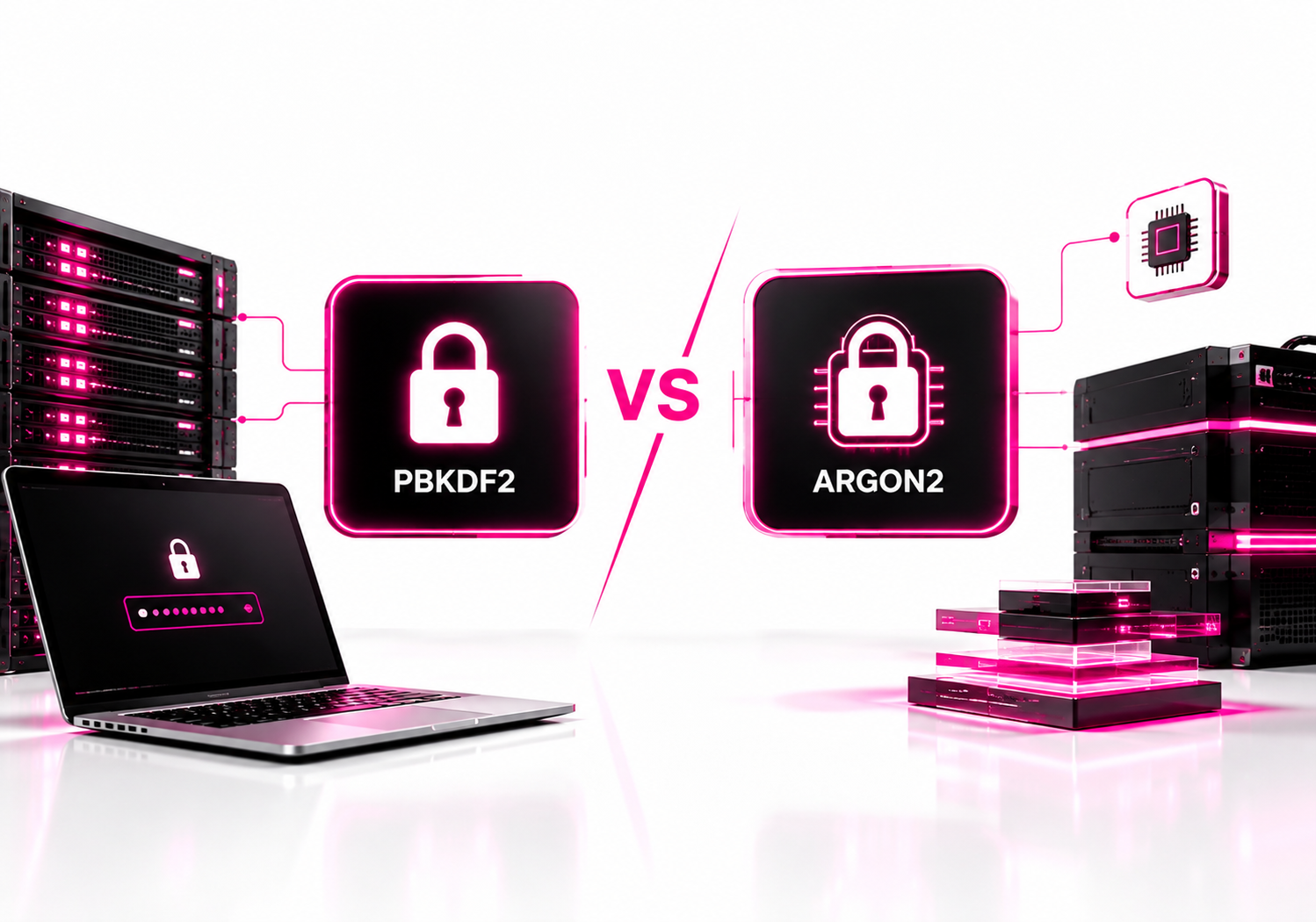
Argon2id is generally the stronger default for new password-storage systems because it is memory-hard as well as computationally expensive. PBKDF2 remains a strong, standardized option, particularly when FIPS-related requirements or existing platform support make it practical. The right choice depends on your compliance requirements, available server resources, and migration constraints.
Password hashing is designed for a very specific situation: an attacker obtains your password database and starts guessing passwords offline. A good password-hashing function makes every guess expensive enough to slow that attack dramatically. It does not encrypt passwords, and it cannot compensate for weak passwords, phishing, credential theft, or an application that sends credentials insecurely.
For most new applications, Argon2id is the starting point I would evaluate first. OWASP currently recommends Argon2id as its preferred password-hashing algorithm, while also documenting PBKDF2 as the practical choice when FIPS requirements apply. NIST’s current SP 800-63B-4 requires passwords to be salted and hashed with a suitable password-hashing scheme and says the cost should be as high as practical without harming verifier performance.
What is the difference between PBKDF2 and Argon2?
PBKDF2 increases the computational cost of password guessing through repeated cryptographic operations, while Argon2id adds substantial memory requirements to make large-scale parallel cracking more expensive. That memory-hard property is the biggest technical difference between the two.
PBKDF2 stands for Password-Based Key Derivation Function 2. It repeatedly applies a pseudorandom function, commonly HMAC-SHA-256, using a password, salt, and iteration count.
Argon2 was designed specifically for password hashing and won the Password Hashing Competition. Its Argon2id variant combines properties intended to provide resistance against both side-channel attacks and large-scale brute-force attacks. RFC 9106 specifies Argon2id as the variant to use when the threat model is uncertain.
| Feature | PBKDF2 | Argon2id |
|---|---|---|
| Main cost control | Iterations | Memory, time, parallelism |
| Memory-hard | No | Yes |
| Common deployment | Legacy, regulated/FIPS environments | New password systems |
| Main advantage | Mature ecosystem and compatibility | Higher memory cost for attackers |
The distinction is especially relevant after a database compromise. An attacker can run guesses on their own hardware without your application’s login-rate limits. Memory-hard password hashing is intended to make that offline process more expensive.
How does PBKDF2 password hashing work?
PBKDF2 makes password guessing expensive by performing a configurable number of pseudorandom-function iterations for every password candidate. Increasing the iteration count increases the work required for both legitimate password verification and an attacker’s offline guesses.
Conceptually:
Password + unique salt
        ↓
PBKDF2-HMAC-SHA-256
        ↓
Repeated iterations
        ↓
Derived password hash
The stored record should include enough information to reproduce the verification process, including the salt and the algorithm parameters.
PBKDF2 is standardized and has been used extensively across operating systems, frameworks, cryptographic libraries, and compliance-oriented environments. NIST SP 800-132 specifically covers password-based key derivation for protecting stored data and data-protection keys.
One practical advantage is ecosystem support. If your organization already depends on FIPS-validated cryptographic modules or has policies built around approved cryptographic primitives, PBKDF2 can be considerably easier to deploy than introducing a different password-hashing library.
That is one reason PBKDF2 should not be dismissed as an obsolete algorithm simply because Argon2id has better memory-hard properties.
How does Argon2id password hashing work?
Argon2id deliberately consumes memory as well as CPU time, making each password guess more resource-intensive and making massive parallel attacks more costly. Its main parameters are memory cost, time cost, and parallelism.
A simplified model looks like this:
Password + unique salt
        ↓
Argon2id
        ↓
Memory allocation + computation
        ↓
Multiple passes
        ↓
Derived password hash
RFC 9106 defines three important parameters:
- Memory (
m) — how much memory the computation consumes. - Time (
t) — how many passes are performed. - Parallelism (
p) — how many computational lanes can operate in parallel.
This changes the economics of password cracking.
With PBKDF2, increasing the iteration count primarily increases computation. With Argon2id, the defender can require an attacker to dedicate significant memory to each parallel password guess.
That is the key reason Argon2id is attractive for new password-storage systems.
Is Argon2id more secure than PBKDF2?
For general new password-storage deployments, Argon2id offers a stronger design against highly parallel offline password cracking because it is memory-hard. That does not mean a correctly configured PBKDF2 implementation is insecure.
NIST’s current digital identity guidance requires salted password hashing and says the cost factor should be increased as practical without negatively affecting verifier performance. NIST’s FAQ also explicitly explains that PBKDF2 is time-hard but not memory-hard, while noting that PBKDF2’s extensive deployment makes it impractical to simply require memory-hard hashing everywhere.
That distinction matters.
A badly configured Argon2id deployment can still be weak. An adequately tuned PBKDF2 deployment can still provide meaningful protection against offline attacks.
The algorithm is only one part of the password-storage design.
What does OWASP recommend: PBKDF2 or Argon2id?
OWASP recommends Argon2id as its preferred password-hashing choice and recommends PBKDF2 when FIPS-140 compliance is required. Its current Password Storage Cheat Sheet lists a minimum Argon2id configuration of 19 MiB memory, two iterations, and one degree of parallelism.
OWASP also gives a PBKDF2-HMAC-SHA-256 recommendation of 600,000 iterations for its documented configuration. That number should not be treated as a universal magic value; the correct work factor depends on the hardware and authentication workload.
OWASP explicitly recommends benchmarking the selected work factor on the actual systems used by the application and keeping password-hash calculation practical enough that authentication remains available under normal load.
This is a critical operational point.
A password hash that consumes so many resources that a small number of login attempts can exhaust your authentication servers can create a denial-of-service problem.
Is PBKDF2 FIPS compliant?
PBKDF2 can be used in FIPS-oriented environments when implemented through an appropriate validated cryptographic module and configured according to the applicable requirements. The fact that PBKDF2 is standardized does not automatically make every implementation or deployment FIPS validated.
NIST’s SP 800-132 defines password-based key derivation techniques, and NIST continues to identify PBKDF2 within its cryptographic guidance ecosystem. NIST has also announced plans to revise SP 800-132 to add a memory-hard password-based key-derivation function and provide additional guidance on PBKDF2.
For an organization subject to FIPS requirements, check the specific cryptographic module and validation status, not simply the algorithm name.
That distinction can prevent a common compliance mistake: assuming that “uses SHA-256” or “uses PBKDF2” automatically means the entire application satisfies FIPS requirements.
Why is Argon2id considered memory-hard?
Argon2id is memory-hard because the computation deliberately requires significant memory resources, not just repeated CPU operations. An attacker attempting many guesses in parallel therefore needs to provision memory alongside processing capacity.
This matters because password cracking is naturally parallelizable. An attacker with many CPUs or GPUs can attempt huge numbers of candidates simultaneously.
A memory-hard function changes that equation by increasing the resource requirements per guess.
RFC 9106 describes Argon2id as combining Argon2i’s data-independent memory-access behavior with Argon2d’s data-dependent behavior, giving it a balance intended for realistic password-hashing threats.
That does not make Argon2id magically resistant to cracking.
A short, commonly used password can still be guessed.
The objective is to make every guess substantially more expensive.
What Argon2id settings should you use?
Use a configuration recommended by a reputable security source as a starting point, then benchmark it on your authentication infrastructure. OWASP currently lists 19 MiB memory, two iterations, and one lane as its minimum Argon2id configuration, while RFC 9106 provides substantially more aggressive recommendations for environments capable of supporting them.
These recommendations are not contradictory. They serve different purposes and assumptions.
OWASP’s cheat sheet gives practical baseline configurations, while RFC 9106 provides parameter-selection guidance that includes higher-memory configurations. RFC 9106’s first recommended option uses 2 GiB of memory with one pass and four lanes; its second recommended option uses 64 MiB with three passes and four lanes.
For a production application, don’t blindly copy either value.
Measure authentication latency, concurrency, available memory, and peak login load. Then choose parameters that make password verification expensive for attackers without allowing authentication requests to consume excessive server resources.
What PBKDF2 settings should you use?
For PBKDF2-HMAC-SHA-256, OWASP currently recommends 600,000 iterations as its documented baseline. The actual setting should be validated against your application hardware, concurrency requirements, compliance obligations, and authentication architecture.
Avoid copying old PBKDF2 settings such as 10,000 iterations into a new system simply because they appear in older documentation.
NIST’s older SP 800-63B guidance mentioned a typical minimum of 10,000 iterations, but NIST’s current SP 800-63B-4 instead emphasizes choosing the highest practical cost and increasing it over time.
That illustrates why security configuration should be tied to current guidance rather than an old hard-coded number.
Should you use PBKDF2 or Argon2id for a new application?
For a new application without a specific compliance or compatibility constraint, start with Argon2id. If your organization needs FIPS-oriented cryptography, has an existing PBKDF2 implementation, or depends on a platform where PBKDF2 is the supported option, a properly configured PBKDF2 deployment can be appropriate.
A useful decision rule is:
| Situation | Practical choice | Reason |
|---|---|---|
| New application | Argon2id | Memory-hard design |
| FIPS-oriented requirement | PBKDF2-HMAC-SHA-256 | Broad approved ecosystem |
| Existing PBKDF2 database | PBKDF2 + gradual migration | Avoid forced resets |
| Modern password storage | Argon2id | Strong default |
Don’t migrate an existing password database by trying to “reverse” the old hashes. Password hashes are intentionally one-way.
Instead, migrate users when they successfully authenticate.
How do you migrate from PBKDF2 to Argon2id?
The safest common migration approach is to upgrade a user’s password hash after a successful login, when the plaintext password is temporarily available to the verifier. You then replace the old PBKDF2 record with a newly generated Argon2id record.
A practical migration looks like this:
- Identify users still using PBKDF2.
- Keep the existing PBKDF2 verifier temporarily.
- User submits their password normally.
- Verify the password against the old PBKDF2 record.
- Generate a fresh random salt.
- Hash the password using your new Argon2id parameters.
- Replace the old hash.
- Store the algorithm and parameters with the new record.
- Continue until the legacy population becomes small.
- Require a password reset for accounts that never authenticate again if your risk model requires complete migration.
NIST’s current SP 800-63B says the verifier should store a reference to the password-hashing scheme and cost factor so that password records can be migrated to newer algorithms and work factors.
This is much cleaner than maintaining a permanent pile of legacy hashing schemes with no migration plan.
Should passwords have a salt with PBKDF2 and Argon2?
Yes. Both PBKDF2 and Argon2 password hashes should use a unique, randomly generated salt for each password. The salt prevents identical passwords from producing identical stored hashes and prevents attackers from efficiently using precomputed password-hash tables.
NIST SP 800-63B-4 requires salts of at least 32 bits and says both the salt and resulting hash should be stored for each password. It also recommends storing the hashing scheme and cost factor with the password record.
In practice, modern password-hashing libraries usually handle salt generation for you.
Do not invent your own salt format or use a single global salt.
The salt does not need to be secret. Its purpose is uniqueness, not confidentiality.
Should you use a pepper with Argon2id or PBKDF2?
A pepper can provide an additional layer of protection, but it should be treated as defense in depth rather than a replacement for proper password hashing. Unlike a salt, a pepper is a secret value that should not be stored alongside the password hashes.
OWASP recommends considering a pepper as an additional defense and explains that it should be protected separately from the password database.
A practical architecture is to keep the pepper in a secrets-management system, HSM, or another appropriately protected environment rather than putting it in the same database containing password hashes.
NIST’s current guidance also describes an optional additional keyed operation using a secret known only to the verifier, with the secret stored separately and preferably in a hardware-protected area.
The downside is recovery complexity.
If the pepper is lost, password verification can become impossible unless you have an appropriate recovery strategy.
What are the biggest password-hashing mistakes?
The biggest mistakes are usually implementation and operational failures rather than choosing PBKDF2 instead of Argon2id.
Avoid these:
- Storing plaintext passwords.
- Using fast hashes such as SHA-256 directly for password storage.
- Reusing one salt for every user.
- Using obsolete or weak work factors.
- Hard-coding an old iteration count forever.
- Writing your own password-hashing implementation.
- Ignoring login-load testing.
- Storing a pepper beside the password database.
- Making password verification so expensive that authentication becomes an easy DoS target.
- Keeping legacy hashes indefinitely without a migration strategy.
OWASP specifically warns against using fast general-purpose hashing algorithms such as SHA-256 for password storage because they allow attackers to perform guesses very quickly.
The password-hashing function should be deliberately slow.
That’s the feature, not the bug.
PBKDF2 vs Argon2 Password Hashing: Which should you choose?
Choose Argon2id for most new password-storage systems, and choose PBKDF2 when compatibility, FIPS-oriented requirements, or an existing validated cryptographic ecosystem makes it the more practical option. Neither choice removes the need for unique salts, appropriate work factors, secure credential transport, rate limiting, and a password-migration strategy.
The biggest architectural mistake is focusing only on the algorithm name.
A secure implementation should track the algorithm, version, salt, and cost parameters; tune verification against real server capacity; upgrade work factors over time; and provide a controlled path away from legacy hashes.
For a new system, my next step would be simple: benchmark Argon2id on the actual authentication servers, compare the result against your compliance requirements, and document the selected parameters before deploying the password-verification service.
Related reading: Hydra vs Medusa. Browse all our cybersecurity comparisons.
FAQ: PBKDF2 vs Argon2 Password Hashing
Is Argon2 better than PBKDF2 for password hashing?
For most new password-storage systems, Argon2id is the preferred starting point because it is memory-hard as well as computationally expensive. PBKDF2 remains useful where FIPS-oriented requirements, existing infrastructure, or compatibility make it more practical. A correctly configured PBKDF2 deployment is still a legitimate password-hashing approach.
Is PBKDF2 still secure?
Yes. PBKDF2 remains a standardized password-based key-derivation function and can provide strong protection when configured with an appropriate work factor, a unique salt, and an approved underlying function. Its main limitation compared with Argon2id is that PBKDF2 is not memory-hard.
Why is Argon2id better for password hashing?
Argon2id requires both computation and memory, increasing the resources needed for each password guess. This is valuable against attackers performing highly parallel offline cracking. RFC 9106 specifically recommends Argon2id when the threat model includes realistic side-channel or brute-force concerns.
What is the recommended PBKDF2 iteration count?
OWASP currently recommends 600,000 iterations for PBKDF2-HMAC-SHA-256 in its password-storage guidance. That is a practical baseline, not a universal value for every server. The work factor should be tested on your actual authentication infrastructure and increased as hardware capabilities change.
What is the recommended Argon2id configuration?
OWASP currently lists 19 MiB of memory, two iterations, and one degree of parallelism as a minimum Argon2id configuration. RFC 9106 provides more aggressive recommendations, including 64 MiB or 2 GiB configurations. Select parameters based on your hardware, authentication workload, and security requirements.
Can I migrate from PBKDF2 to Argon2id without resetting every password?
Usually, yes. Keep the PBKDF2 verifier temporarily, and when a user successfully authenticates, immediately derive a new Argon2id hash from the supplied password and replace the old record. NIST specifically recommends storing algorithm and cost information so password records can be migrated to newer algorithms and work factors.